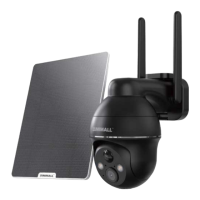
1. What’s in the Box ---------------------------------- P1
2. Product Diagram --------------------------------- P2
3. Download and Install App -------------------------- P3
4. Account Registration ------------------------------ P4
5. Add Camera to App ------------------------------ P4
5.1 Preparations for Connection ---------------------- P4
5.2 Connect Camera to App ------------------------ P5
6. Camera Installation ------------------------------- P7
7. Important Notes-----------------------------------P7
8. Monitoring Area -----------------------------------P8
9. Device Menu ------------------------------------- P9
10. PIR Body Detection -------------------------------- P10
10.1 Body Detection Alarm Setting --------------------- P10
10.2 Alarm Notifications -----------------------------P10
10.3 Record/Playback/Delete ------------------------ P11
11. Two-Way Audio -----------------------------------P11
12. Power Saving Settings ------------------------------P12
12.1 Alarm Interval & Shooting Interval ------------------ P12
12.2 Maximum Shooting Time & Recording Time --------- P12
12.3 Alarm Plan ------------------------------------P13
INDEX PAGE


 To Next Page