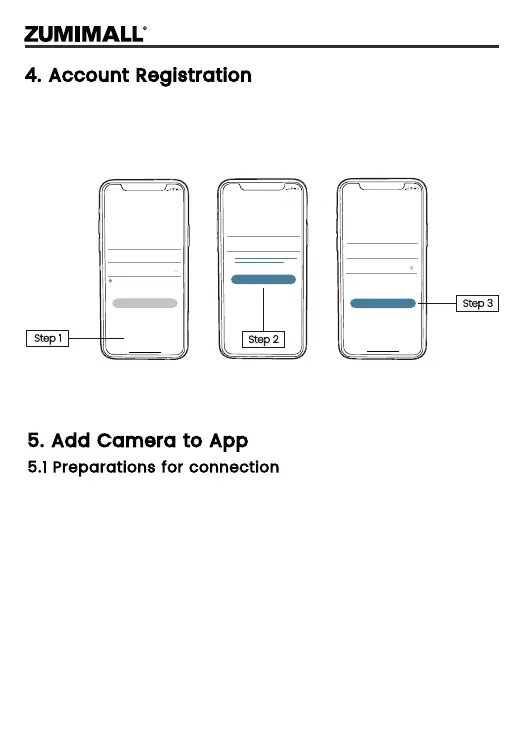
4. Account Registration
New user needs to sign up ZUMIMALL App with email address.
Click 'Sign up' to create a New Account and follow the steps to
complete registration.
5. Add Camera to App
5.1 Preparations for connection
① Insert a Micro SD Card into the camera to save video clips or
you can start the 7-day free cloud service. Without Micro SD Card o
r cloud service, no videowill be saved.
② The camera only works with 2.4GHz Wi-Fi, not support 5GHz.
③ When connecting to the network, please take the camera close to
the router.
(Recommended within 10-15ft).
Step 1
Step 3
Step 2
5:51
Log in
Forgot password?Remember password
Welcome
United States
Account
Passward
No account yet? Sign up now
5:51
<
2365894254@qq.com
Account
Nickname
Password
Password: 8-16 digits, including two types of
numbers,upper or lower case letters and
characters at least
Sign Up
Done
5:51
<
Registration means agreement with the user
agreement and privacy agreement.
Sign Up
United States
Email
Next
4


 To Next Page