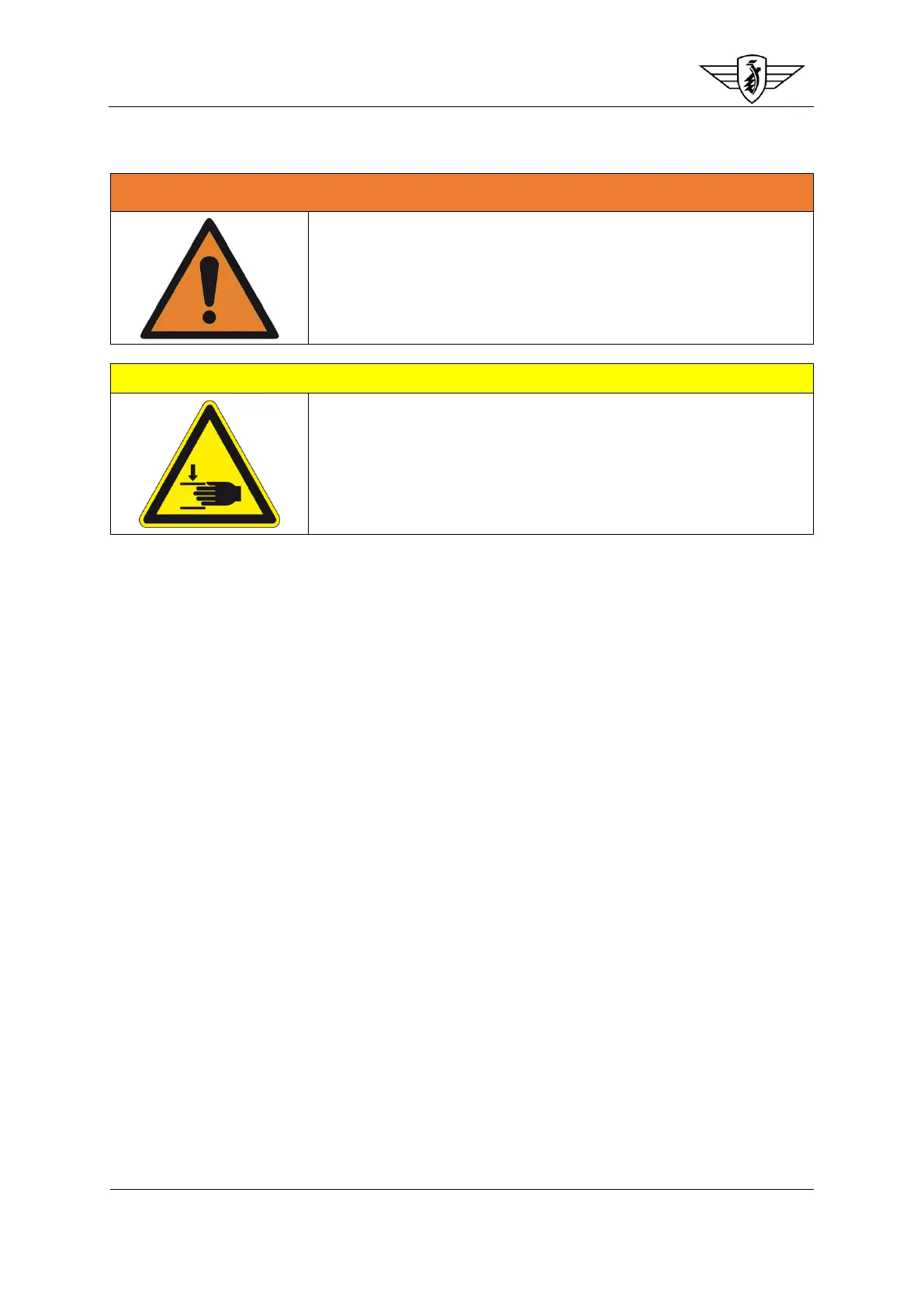
The bike has to be folded down to remove the battery. The battery
must always be switched off before folding down or unfolding the
bike, as otherwise surge voltages can cause damage to the controller!
Pay attention to your hands and other limbs when folding down
or unfolding the bike. Work carefully and cautiously to avoid
pinching and crushing of hands and fingers!
The rigid, low-vibration design of the frame often makes folding
down or unfolding the bike rather laborious. We recommend
that you always do this in pairs if you have the possibility.
To charge your battery while removed from the bike, proceed as follows:
- Open the rubber cover behind which the switch for the battery is located. You will find it on
the left-hand side (looking in the direction of travel) of your bike.
- Switch off the battery for charging
- Open the frame latch and fold the frame down
- Unlock the battery with one of the keys supplied
- Pull the battery out of the frame using the metal bracket
- Plug the mains plug of the charger into a suitable 230 V mains plug socket. An LED on your
charger indicates whether the battery is being charged and when it is fully charged. The LED
is green before you plug the charger cable into the battery. As soon as you plug the charger
cable into the battery, the LED changes to red and the charging cycle has started. After some
time, the LED changes back to green. This means that the battery is fully charged (normal
charging time from 20% to approx. 100% charge capacity is 5 to 6 hours). If the LED does not
change from green to red when you plug the charger cable into the battery, this can indicate
a defect in the battery or charger.
- After charging, pull the charger cable out of the charging socket. Charging is completed.
- Place the battery back into the bike frame and unfold the frame again. Ensure here that the
locking lever engages on its own to secure the frame locking lever



 To Next Page