EasyManua.ls Logo

1 BY ONE MD950 - User Manual

1 BY ONE MD950
17 pages
Print Icon
To Next Page IconTo Next Page
Loading...
0
MD950
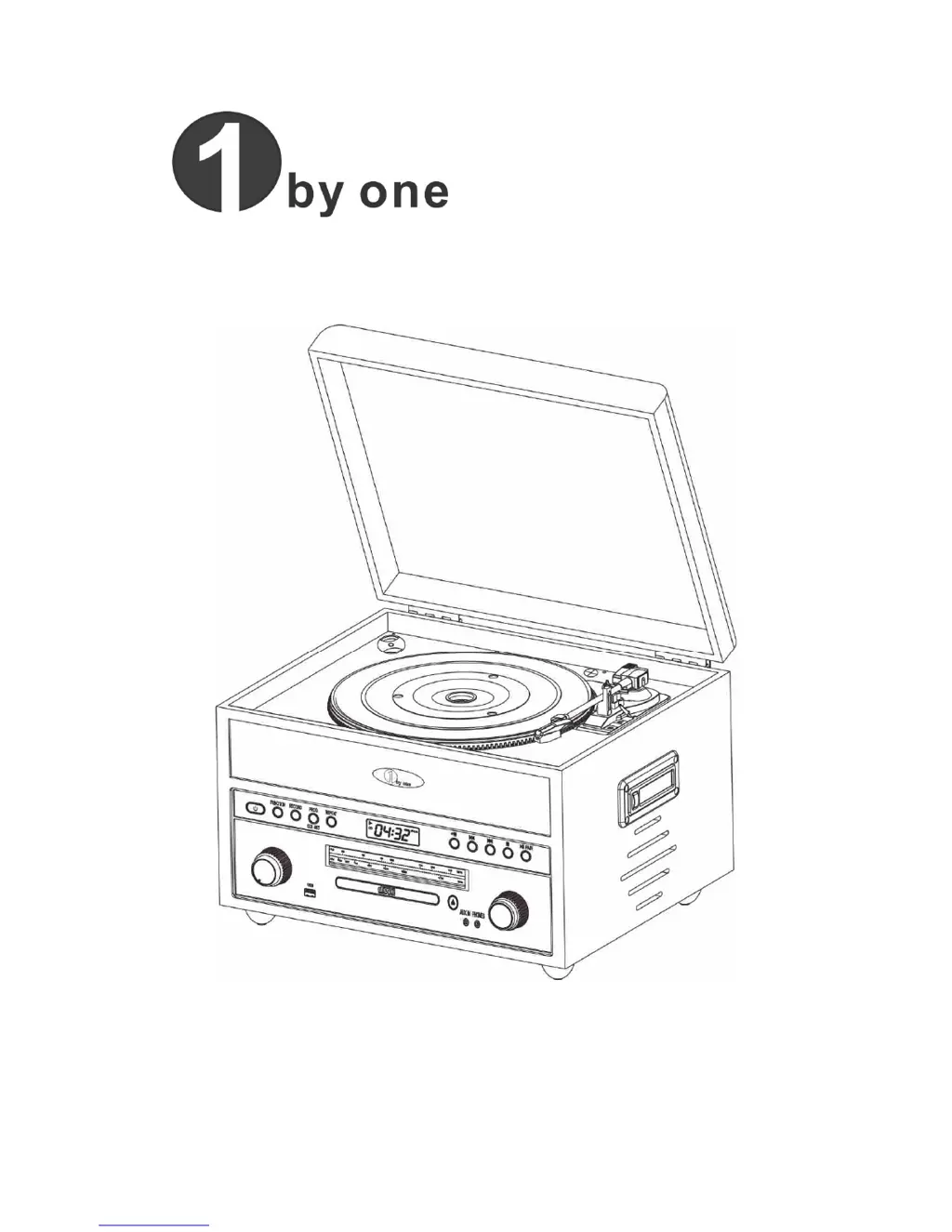
Nostalgic Wooden Turntable
Operation Guide
PLEASE READ THIS USER MANUAL COMPLETELY BEFORE OPERATION

Questions and Answers

  • A
    Alexis WilliamsJul 31, 2025
    How to fix a 1 BY ONE MD950 Turntable when it has no power?
    • C
      Craig ShannonJul 31, 2025
      If your 1 BY ONE Turntable isn't powering on, make sure the unit is switched ON. Also, verify that the master volume isn't set to the minimum. If it still doesn't work, try disconnecting the power adapter or connection cable and then reconnecting it after waiting for 2 minutes.
  • B
    Brett WoodAug 5, 2025
    Why is there no or poor sound on radio source on my 1 BY ONE MD950?
    • J
      Jacob RamosAug 5, 2025
      If you are experiencing no sound or poor sound on the radio source of your 1 BY ONE Turntable, ensure that the unit is set to the correct source. If the radio signal is too weak, try moving the unit to another location or extending the wire antenna.
  • S
    Shannon TerrellAug 8, 2025
    How to troubleshoot no sound on USB source with 1 BY ONE Turntable?
    • H
      harperdonnaAug 9, 2025
      If you're not getting any sound from the USB source on your 1 BY ONE Turntable, first ensure that the unit is set to the correct source. Also, confirm that the USB file is in MP3 format. If the issue persists, try removing the USB memory stick and reconnecting it.
  • S
    Sherry MeadowsAug 13, 2025
    What to do if my 1 BY ONE MD950 Turntable has no or poor sound on CD source?
    • M
      Mary OchoaAug 13, 2025
      If you're experiencing no sound or poor sound when playing CDs on your 1 BY ONE Turntable, first, ensure the unit is set to the correct source. Make sure the disc is placed with the printing face up. Verify that the disc is either a CD or in MP3 format. If the disc is dirty, clean it before playing again.
  • R
    Ricardo MendozaAug 17, 2025
    Why is there no or poor sound on cassette with my 1 BY ONE MD950?
    • J
      James NguyenAug 18, 2025
      If you're experiencing no sound or poor sound when playing cassettes on your 1 BY ONE Turntable, ensure that the unit is set to the correct source. Try removing the cassette tape and playing the other side. If the cassette tape is broken, replace it with a new one.
  • H
    heathbenjaminAug 22, 2025
    What to do if there is no sound on Aux mode on my 1 BY ONE MD950?
    • D
      Donald OrozcoAug 22, 2025
      If you're experiencing no sound in Aux mode on your 1 BY ONE Turntable, first ensure that the unit is set to the correct source. Also, check that both the turntable and the external device are powered on. Verify the volume level on the external device and ensure it is set to the correct source. If the issue persists, try removing the audio cable and reconnecting it.
  • N
    Nicole PhillipsAug 26, 2025
    Why is my 1 BY ONE MD950 Turntable not recording?
    • C
      Cheryl FergusonAug 27, 2025
      If your 1 BY ONE Turntable is not recording, ensure that the unit is set to the correct source. Also, make sure the USB is connected correctly. If the USB memory is not sufficient, try using a new one. If the issue continues, remove the USB memory stick and reconnect it.

Summary

Safety Instructions

Location of the Controls 1.0

Location of the Controls 1.1

Getting Started and Main Operation

Main Power Operation

How to connect and power the unit using the AC adapter.

Connecting the AC Adaptor

Step-by-step guide for connecting the AC adapter to the unit and power outlet.

Listening to Radio

Listening to Phone (Turntable)

Turntable Operation

Detailed steps for playing vinyl records on the turntable.

Listening to CD Disc

Playing a Disc

How to play, pause, skip tracks, and search within a CD.

Listening to Cassette

Playing a Cassette Tape

Steps for playing, stopping, and fast-forwarding cassette tapes.

Listening to Bluetooth

Connecting Bluetooth to your Smartphone or Tablet

Steps to pair and play music wirelessly from a Bluetooth-enabled device.

Listening to USB Device

Listening to AUX IN (Line In; Audio In)

Using Recording

Troubleshooting

1 BY ONE MD950 Specifications

General IconGeneral
Speeds33 1/3, 45 RPM
PlatterAluminum
Built-in PreampYes
Built-in SpeakersNo
TypeBelt-Drive Turntable
CartridgeMoving Magnet Cartridge
ConnectivityRCA, Bluetooth

Related product manuals