14
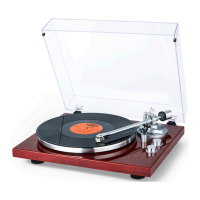
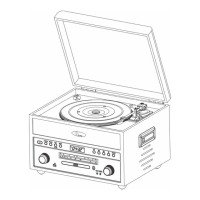
This unit can record the unit music sound to USB from CD disc / Turn table /
Cassette / Aux in.
1. Connect power and press the button to turn on unit .
2. Insert the USB device into the USB jack.
3. Press the FUNCTION to select desire mode that you want to recording.
If recording from CD : Place the CD disc on CD compartment. Press
button to start play and press or +10 button to search
special track.
If recording from turn table
: Place the record turn table disc and
move the TONE ARM to the desired starting point over the record.
If recoding from cassette : Place cassette tape into CASSETTE
SLOT.
If recoding from Aux in : Connect external device to AUX IN jack. Set
your device to start playing.
4. After above setting, press the RECORD button to start recording and the
“ rEO” show on display.
5. To stop recording, press the RECORD button one.
6. Recall the recording file: Press the FUNCTION to return to USB mode
and press
button to playback and press to search
previous / next track.
NOTES:
Don’t forget for you must return the TONE ARM to TONE ARM REST
manually after recording.
Make sure the USB enough memory for all recording
Bluetooth / AM Radio / FM Radio and Aux cannot recording.
USING RECORDING


 To Next Page