10
Loading a Disc
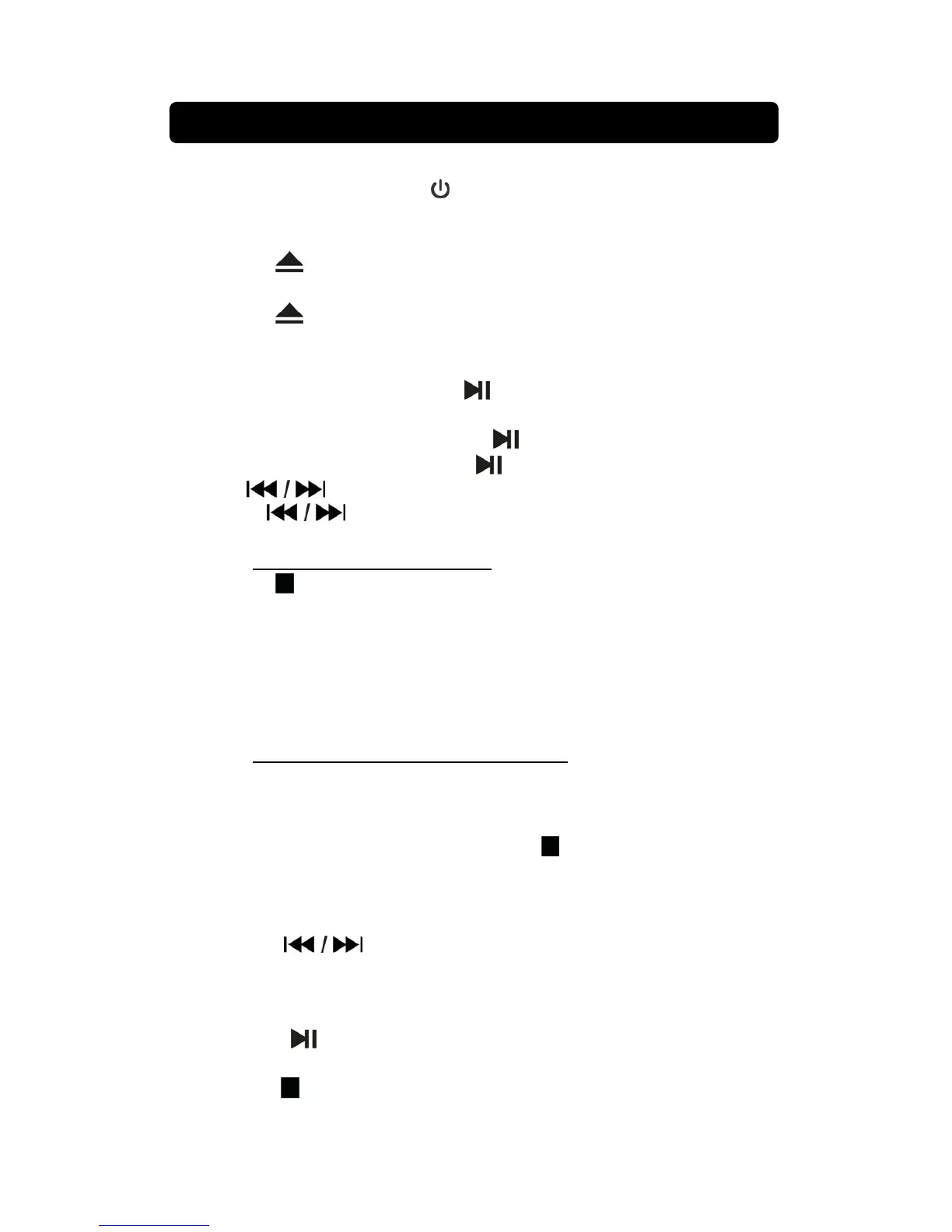
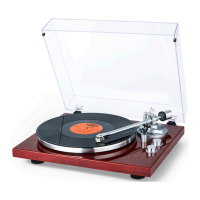
1. Connect power and press the button to turn on unit.
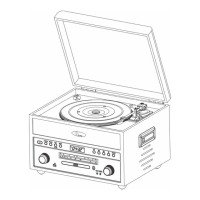
2. Set to CD mode, press the FUNCTION button until ”Cd” indicator show on
display. After 1 sec the “---“ blink on display.
3. Press the button to open the CD DOOR.
4. Place a CD into the CD compartment.
5. Press the button to close the CD DOOR.
Playing a Disc
1. After loading the CD, the CD will be auto play and the track number show
on display. If necessary, press the button to begin playing the disc.
2. Rotate the VOLUME knob to select the sound level.
3. To temporarily stop playing, press the button once and the display digit
will blink. To resume play, press the
button one more.
4. Press
buttons to skip between next or previous tracks.
5. Hold the buttons to fast search through the track.
6. Press +10 button to search the track by ten.
NOTE: +10 function for MP3 disc only.
7. Press the button to stop playing.
Repeat Function
During the disc playing.
Press the REPEAT button once and “REP 1” indicator light on display. The
unit will play the current track repeatedly.
Press the REPEAT button twice and “REP FOLDER” indicator light on
display. The unit will play the desire folder of disc repeatedly.
NOTE: Repeat folder function for MP3 disc only.
Press the REPEAT button three time and “REP ALL” indicator light on
display.. The unit will play the entire disc repeatedly.
To cancel the repeat function: Press the REPEAT button repeatedly until
the “REPEAT” indicator light off or press the
button twice to stop.
Programming a Disc up to 20
tracks ( Disc only)
1. When disc playing, press the STOP button to CD stop mode.
2. Press the PROG. button and the “P01” will light on display.
3. Press the buttons or + 10 button to select the track from the
loaded disc you wish to play first.
4. Press the PROG. button to confirm.
5. Repeat steps 3 and 4 to program to play in a specified order.
6. Press the button to start the program playing and the “PROG”
indicator show on display
7. Press the button twice to cancel a program.
LISTENING TO CD DISC


 To Next Page