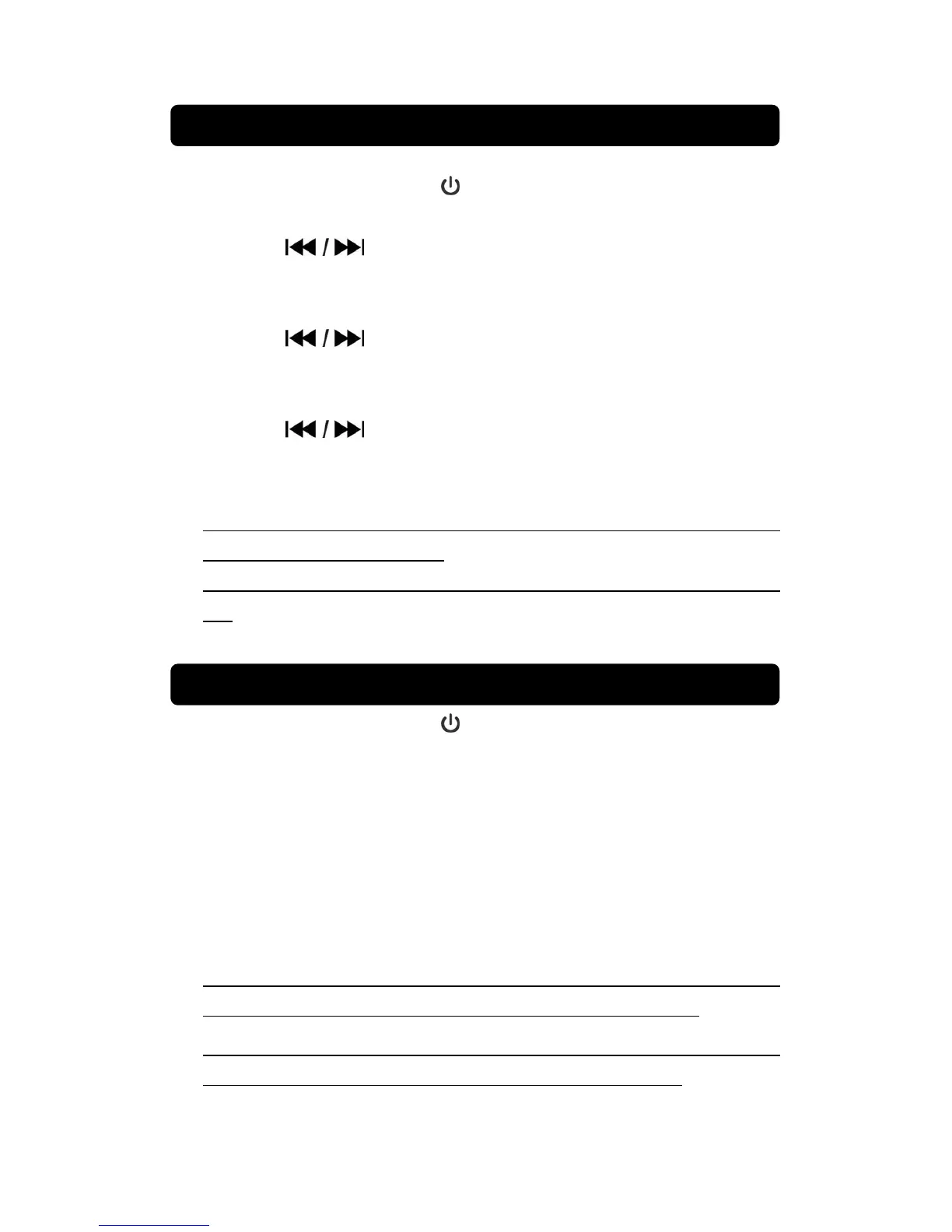
8
1. Connect power and press the button to power off unit..
2. Press and hold the CLK SET button until the display digit blink on display.
3. Press the button to select hour format on 12 / 24 .
4. Press the CLK SET button to confirm the hour format and the hour digit
blink on display.
5. Press the
button to increase or decrease hour time.
6. Press the CLK SET button to confirm hour setting and the minute digit
blink on display.
7. Press the
button to increase or decrease minute time.
8. Finally, press the CLK SET button to storage the actual time setting.
NOTE:
When the power adapter disconnected or there is a power off. You must
manual setting the clock again.
When hour format set on 12H, carefully the AM/PM indicator correct or
not.
1. Connect power and press the button to turn on unit.
2. Set to AM or FM mode , press FUNCTION button until AM or FM
indicator show.
3. In FM mode, “FM and rAD” indicator show on display.
4. In FM mode, “AM and rAD” indicator show on display.
5. Rotate the TUNING knob to search the desire station.
6. Rotate the VOLUME knob to select the sound level.
NOTE:
To have the best AM reception, slightly rotate the unit or move the unit to
a different area of the room until the best reception is obtained.
To obtain the best FM reception, fully extend the FM wire antenna. Avoid
close proximity to the speakers and other electrical appliance.
LISTENING TO RADIO
SETTING THE CLOCK


 To Next Page