Drum-Channel
A Drum Channel is synonymous with the connectivity options of the module (see also page 16). To each
drum channel, a Drum Channel button is assigned, that you can use to preview the sound. Also, while
editing sounds, you use these buttons to select the respective drum channel (see also page 20).
Trigger-Channel
The DrumIt Five module has 10 jacks for pads. But there are up to 15 independent trigger channels
available, since five of the drum channels are designed as Dual-Channels (SNARE, TOM 1 to TOM 4).
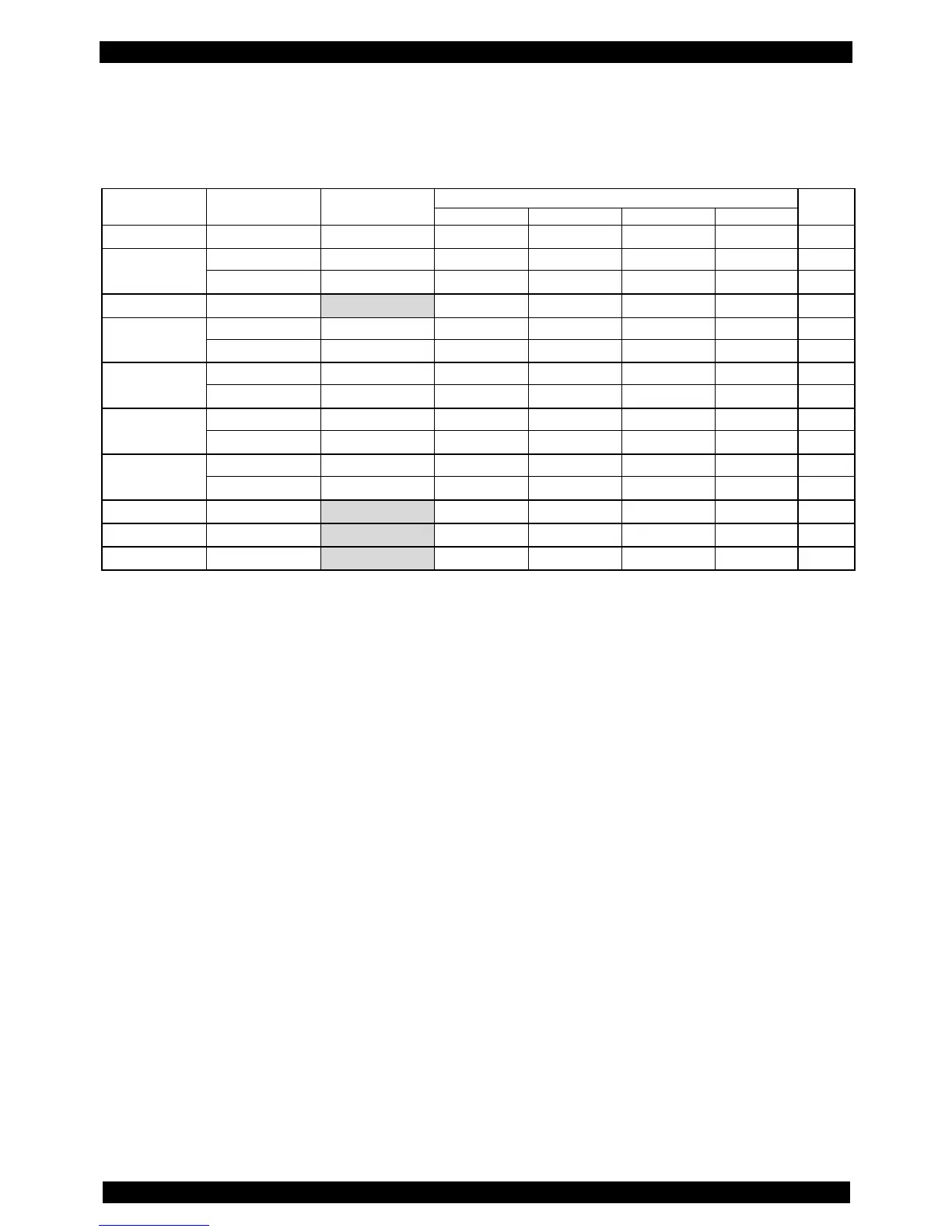
These additional trigger channels are referred to as PERC 1 to PERC 5 (see table) and can be edited
like the other drum channels. The additional channels can be controlled via both MIDI and pads.
MIDI-Note
The table shows the MIDI notes that are assigned to the individual trigger channels at the factory. Of
course these settings can be changed individually (see also page 52).
There is a special feature on the Drum Channels HIHAT and CYMB 1 to 3 (highlighted in gray in the
table). Each MIDI note controls one zone resp. the choke function (in the table marked by ()).
Here's an example:



 To Next Page