10.9 UNIT – PREF
SAVE This parameter determines whether changes in the modes KIT and UNIT can be saved
or not. Select "On", to be able to save your results permanently after successful
programming by pressing the left DATA button. The saving process is executed on the
main page of the modes (KIT Page PROG or UNIT Page MIX). As soon as something
is changed in the original settings, this is indicated by a„?“ displayed to the right of
SAVE.
In the off mode, your changes will not be saved.
SAVE-Off Mode
The SAVE-off mode is particularly useful when several percussionists play on your DrumIt
Five (e.g. at a festival) and you want to prevent people from tampering with your drum kits
and configurations and then saving that.
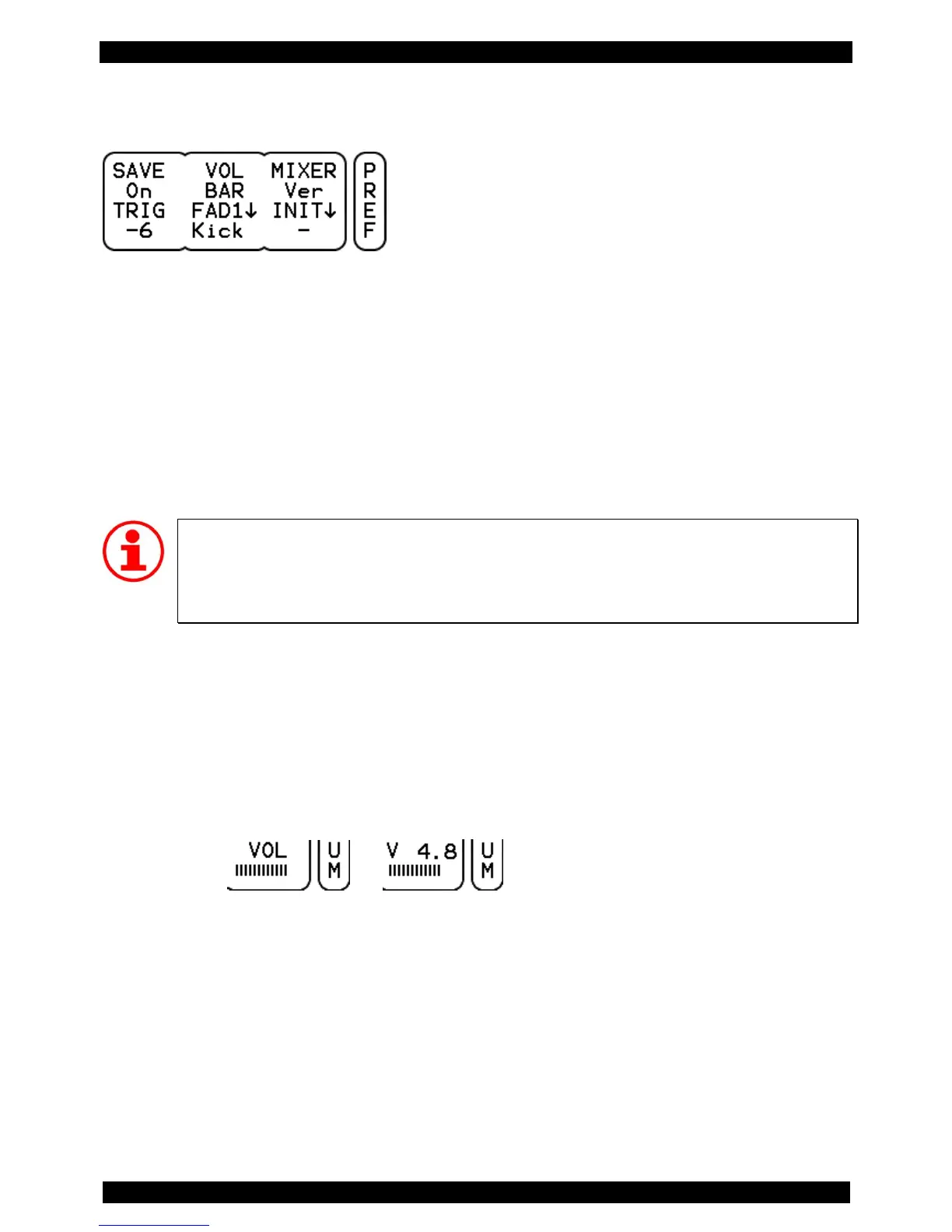
VOL Here you can specify how the VOL display will look at the pages with horizontal sliders
(e.g. mode KIT Page DRUM).
There are two options:
Bar only graphical view of the VOL-level
NUM additional display of a numeric dB value
View “Bar” View “NUM”
MIXER Here you set the display mode of the internal mixer. You can choose between Ver
(vertical view) and Hor (horizontal view). Details on this can be found on page 45.
TRIG Here you can set the volume at which the sounds will be played back when pressing
the drum channel button - i.e. when prelistening. The available range extends from -48



 To Next Page