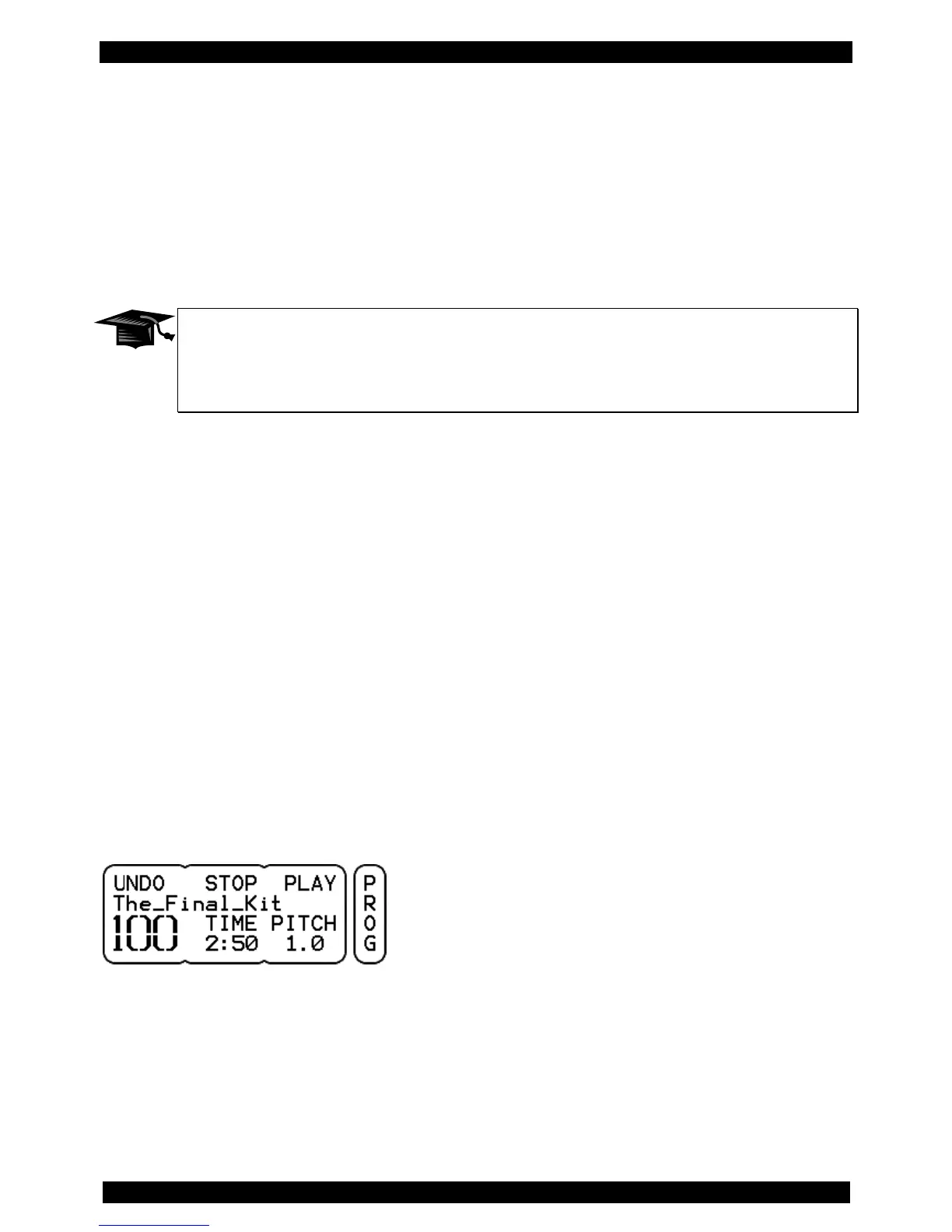
With the button in the middle (above MOVE) you insert the KIT to the selected program number. The old
KIT and the following KITs are shifted, the numbers change according to the new position. In this
example, the old KIT becomes No. 81. Accordingly, all following KITs are shifted by one position (the
numbers will change +1).
When you press the right button (above SWAP), the memory locations are swapped. In the example
above KIT No. 100 becomes the new No. 80 and the old KIT No. 80 the new No. 100
Data Exchange Between User-KIT Bank and Single-KITs
Renaming, copying (COPY), moving (MOVE) and exchanging (SWAP) of a KIT is only
possible within the user-KIT-bank. An exchange between multiple user-KIT-banks or
between single-KITs is not possible.
Canceling the SAVE Process
To cancel the save process and exit the SAVE menu, simply press the KIT button. The changes you
made remain valid, as the „?“ next to the SAVE option in the menu indicates, but are not stored.
Dismissing Changes
If you decide not to save the changes you made, there are two ways to cancel the settings:
Simply select, without saving, another KIT, and the changes are lost.
The UNDO / REDO function offers another possibility.
UNDO/REDO
If you press the MORE button before you save, an UNDO function comes up in place of the SAVE
function. If you select UNDO, the changes will be reset, but stay cached.



 To Next Page