Choosing Between Operating Systems
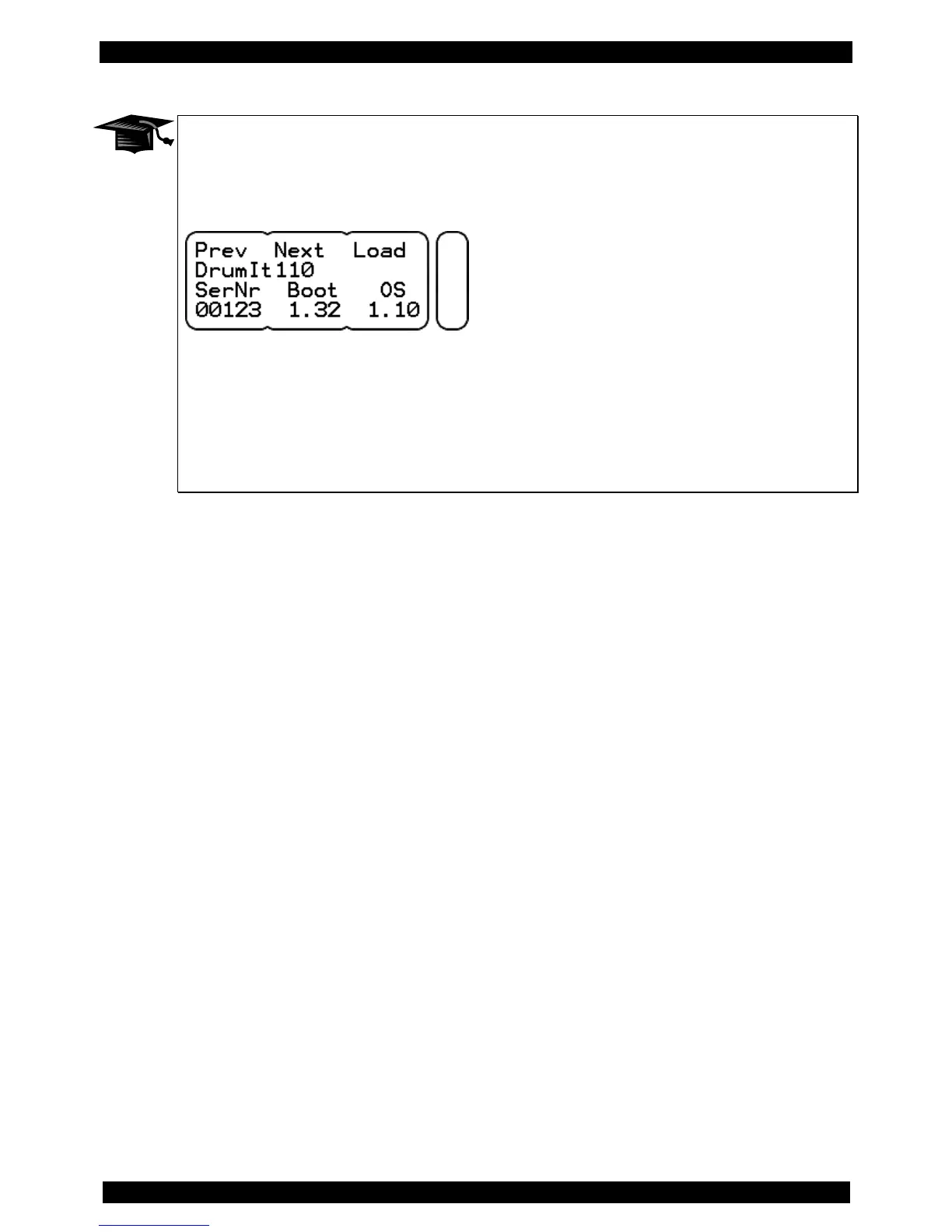
During the boot process, you have the option to choose between the various operating
systems that are available on your module. To do so, press the middle DATA button while
powering up..
After you have selected the desired operating system with Prev/Next (left and middle DATA
button), start the boot process by pressing the DATA button to the right (load).
Please note:
Settings in the modes KIT and UNIT that relate to functions of a higher operating system will
be lost if you edit and save the same part (e.g. a kit) in an earlier version of the operating
system.



 To Next Page