Caution
The 2, 1, 1, 2, 2, 3 sequence must be entered within 30 seconds after the
first sound signal for security reasons. The inter-digit delay may be 2 s at
most
.
2N IP Force
®
gets the IP address upon restart only if the DHCP server is configured
properly.
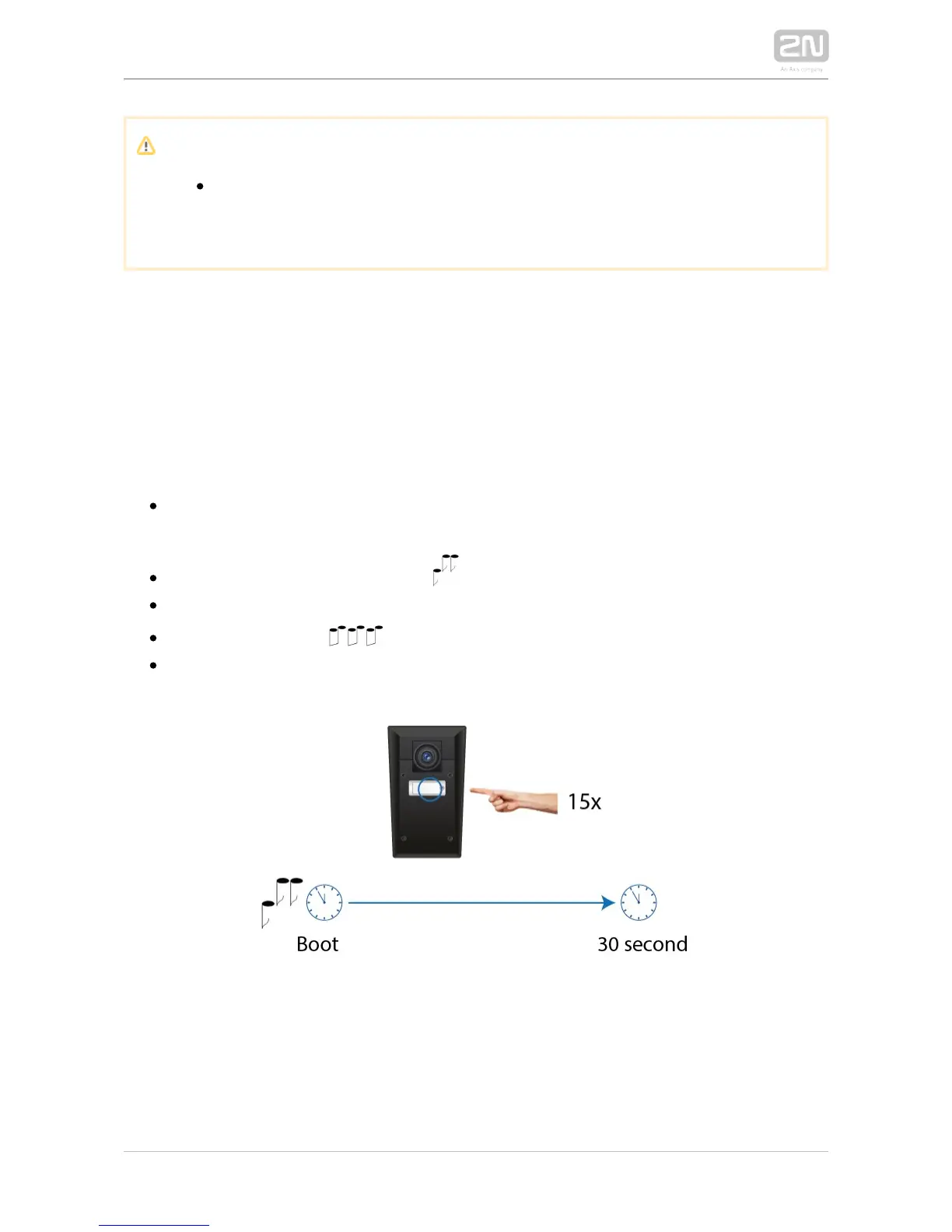
Mode Switching with 1 or 2-Button Models
In case your device is equipped with 1 or 2 buttons, you can switch the 2N IP Force
®
modes using one button only.
Connect to the power supply (or, disconnect and reconnect it if 2N IP Force
®
already connected).
Wait for the first acoustic signal .
Press the first quick dial button 15 times.
The acoustic signal indicates mode switching.
Wait until the device is restarted automatically.



 To Next Page