Set-up of a 2N door station with a PEAKnx touch panel
8
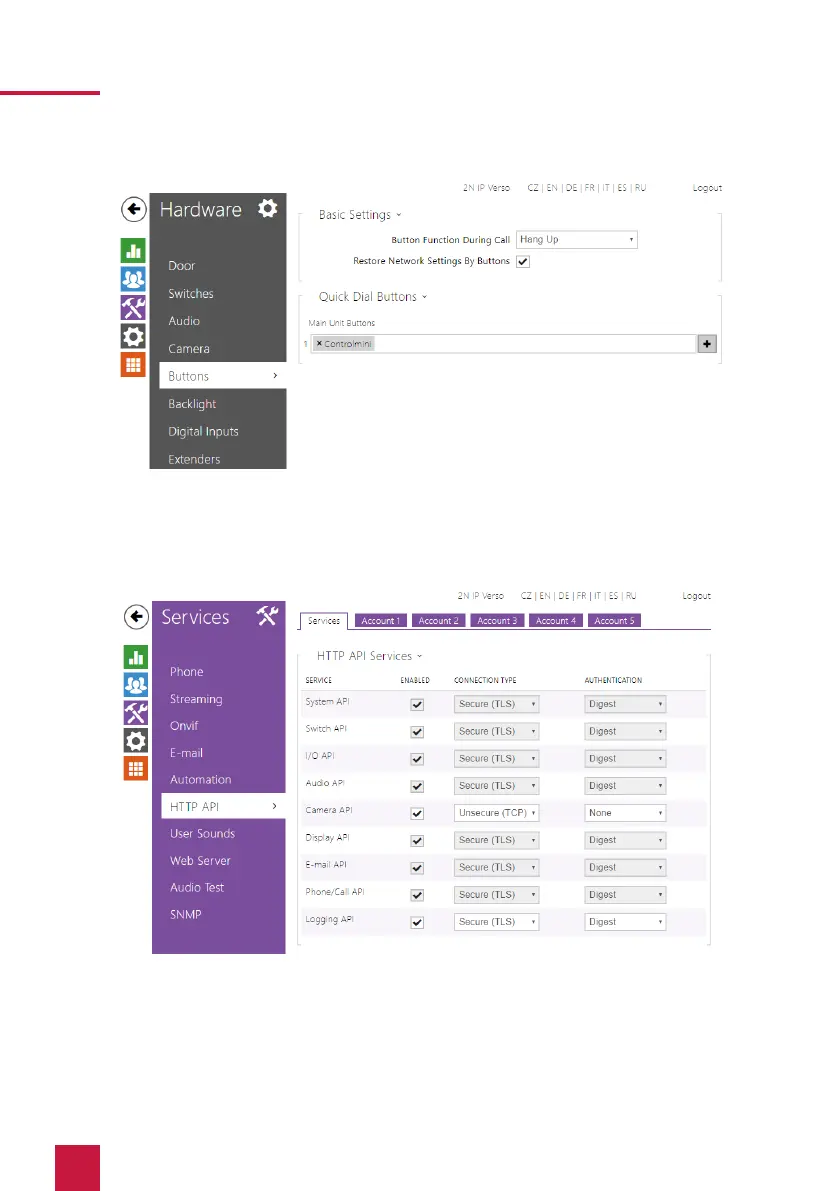
22. In order for YOUVI to access the camera stream of the 2N door station, it must be
enabled on the IP Verso. To do this, go to Services > HTTP API and set the camera API to
“Unsecure(TCP)” and Authentification: “None”.
23. If you have an “Enhanced Video” license, you can also use an RTSP stream in YOUVI. To
do so, go to the page Services > Streaming and check the option: “RTSP server



 To Next Page