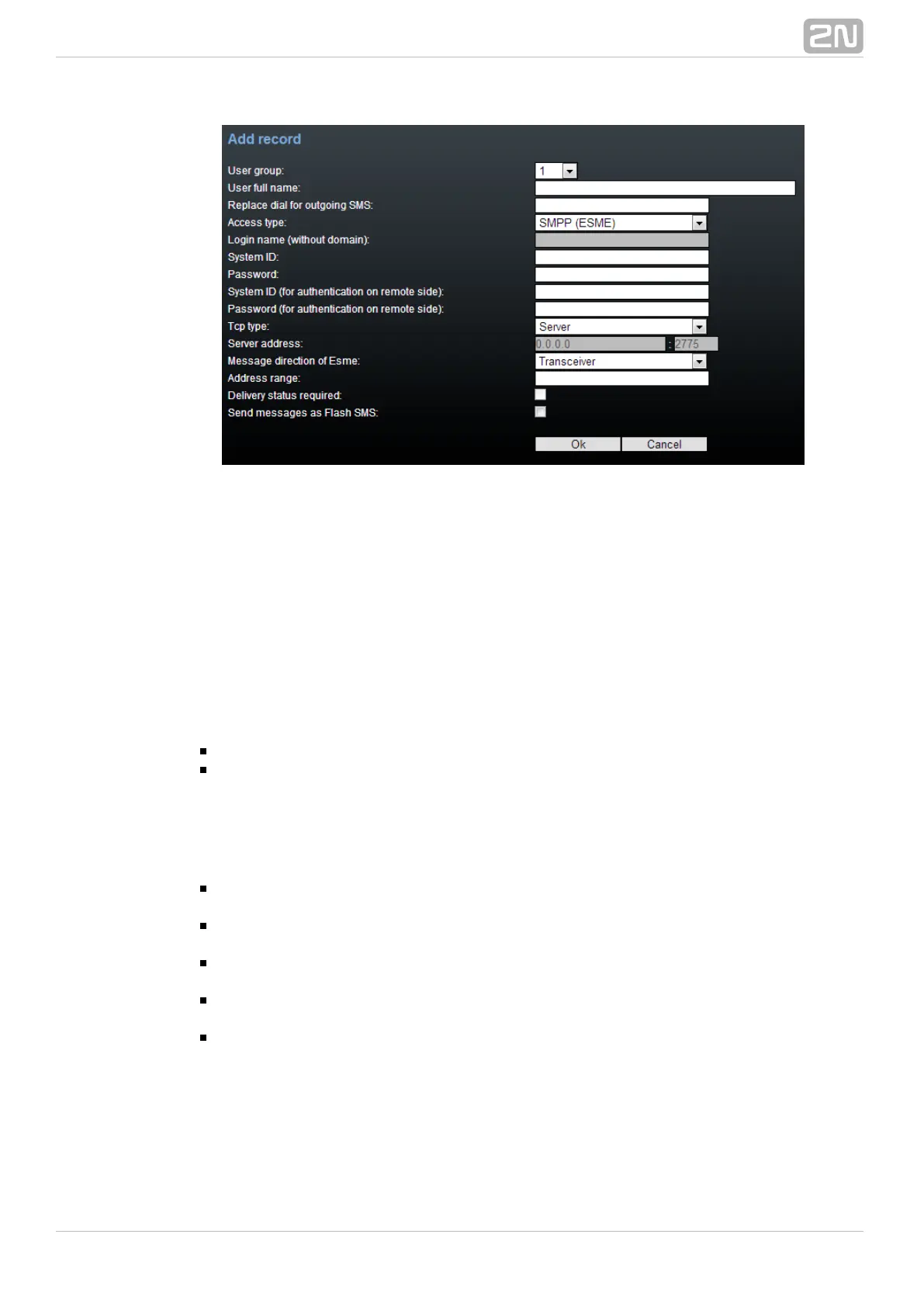
User Group
This section helps you edit the User group and set the routing rules for the group's
incoming and outgoing SMS.
General Settings
Set the basic parameters for SMS sending via SMTP/POP3 or SMPP.
Optional Information
Description – set the User group details.
Identical SMS limit – set the check of identical SMS messages, i.e. sequentially
sent messages with identical SMS PDUs. When the set limit is exceeded, the
excessive SMS messages are discarded without being sent.
Email Settings
Domain – define the domain name for SMS sending/receiving via
SMTP/POP3. The maximum domain length is 63 characters.
POP3 – Subject of email – set the message subject to be added automatically
to the SMS loaded from the GSM gateway via POP3.
POP3 – Subject of email (delivery acknowledgement) – set the SMS
delivery acknowledging message subject.
POP3 – Subject of email (not delivered) – set the SMS non-delivery
acknowledging message subject.
POP3 – Subject of email (send error) – set the SMS sending failure message
subject.



 To Next Page