5.3 Tracing
2N StarGate / BlueTower
®
allows for operation tracing (VoIP, SIP, GSM). Tracing is
accessible in one session only at a time, the other tracing requests are rejected with
BUSY. With regard to a rather extensive volume of data, we recommend that the Write
communication into file function should be activated before tracing. Any
Telnet-supporting terminal (HyperTerminal, Putty, etc.) can be used.
AT Command
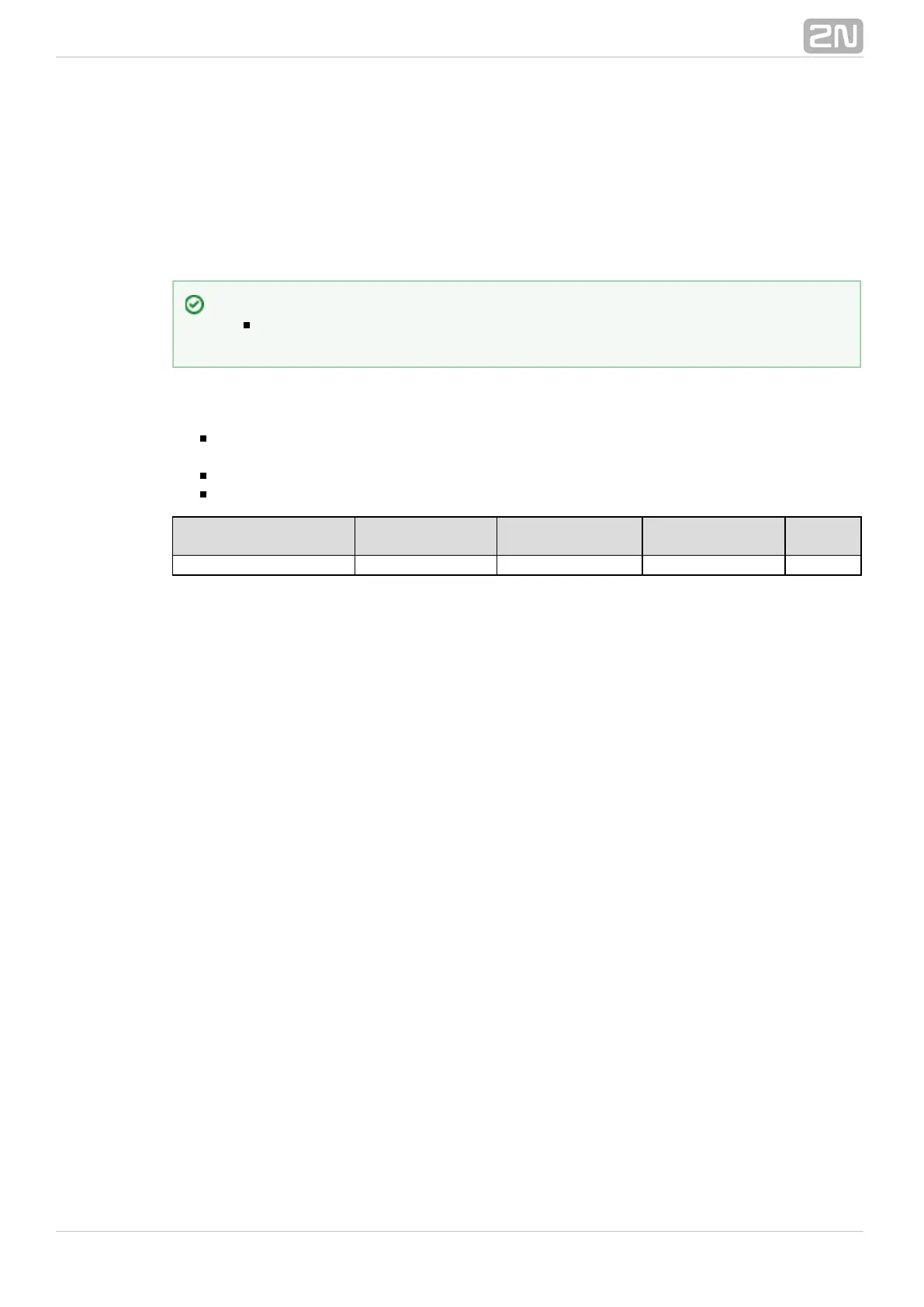
AT%S92=x – Description AT%S92=x Set the tracing details. Refer to the table
below for value X
AT!R2 – Start tracing via the active session
Any character – Terminate tracing
Layer 3 and 4
Status Listing
Timestamp
Write-Out
SMP Packet
Write-Out
Layer 2 Status
Listing
LCR
Listing
1 2 4 8 16
The resultant value X is a sum of the required functions (X= timestamps+LCR = 16+2
= 18, e.g.).
Tip
You are advised to synchronise your GSM gateway with the SIP Proxy, or
a PC before tracing.



 To Next Page