Incoming SMS Routing
This section helps you set the incoming SMS routing rules, which are included in the
incoming SMS routing table.
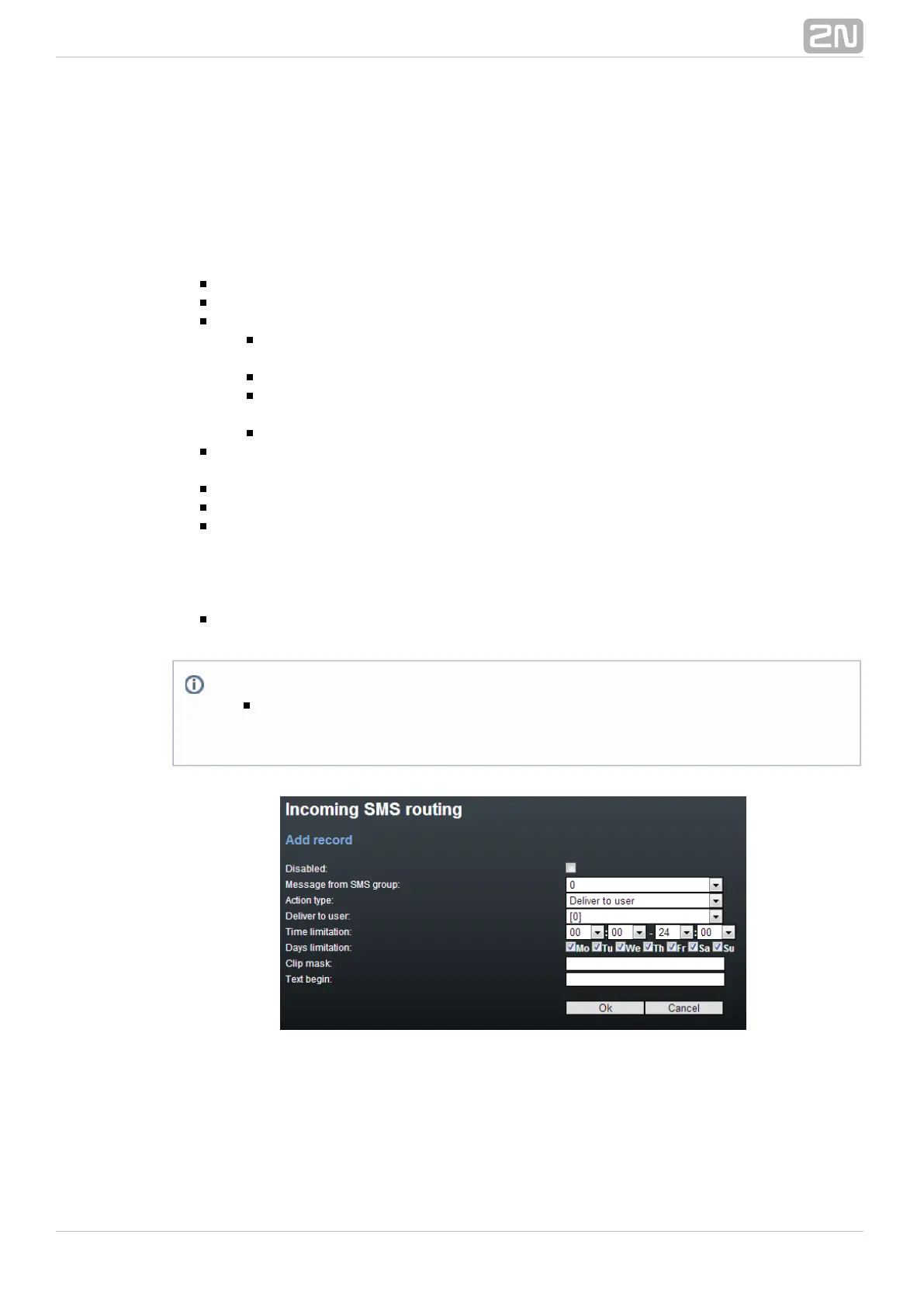
Add Record
– enable/disable the selected routing rule.Disabled
Message from SMS group – select the SMS group that receives the SMS.
– select the action for the received SMS:Action type
– the incoming SMS will be routed according to theAutoCLIP routing
AutoCLIP table records.
– the SMS will be delivered to the selected user.Deliver to user
– Deliver to the first 10 users the SMS will be delivered to the first 10
users in the Messaging/Users table.
– the SMS will be dropped.Drop message
– select the SMS addressee. This option is valid only if Deliver to user Action
is selected.type = Deliver to user
– set the rule validity time.Time limitation
– set the days in a week on which the rule shall be valid.Days limitation
– set the filter for the SMS sender telephone number (CLIP). If theClip mask
selected mask matches the CLIP, the SMS will be routed according to the rules
set above. If not, the SMS will be dropped. The character replaces any string of*
characters (789789789=789*, e.g.). The character replaces any character?
(789789789=789??????, e.g.).
– set the string to be matched against the SMS text beginning. If aText begin
match is found, the SMS will be routed according to the rules set above.
Note
The rules are applied to incoming SMS sequentially, starting from the first
rule. If all the set rules are met in a row, the SMS is routed according to
the row.



 To Next Page