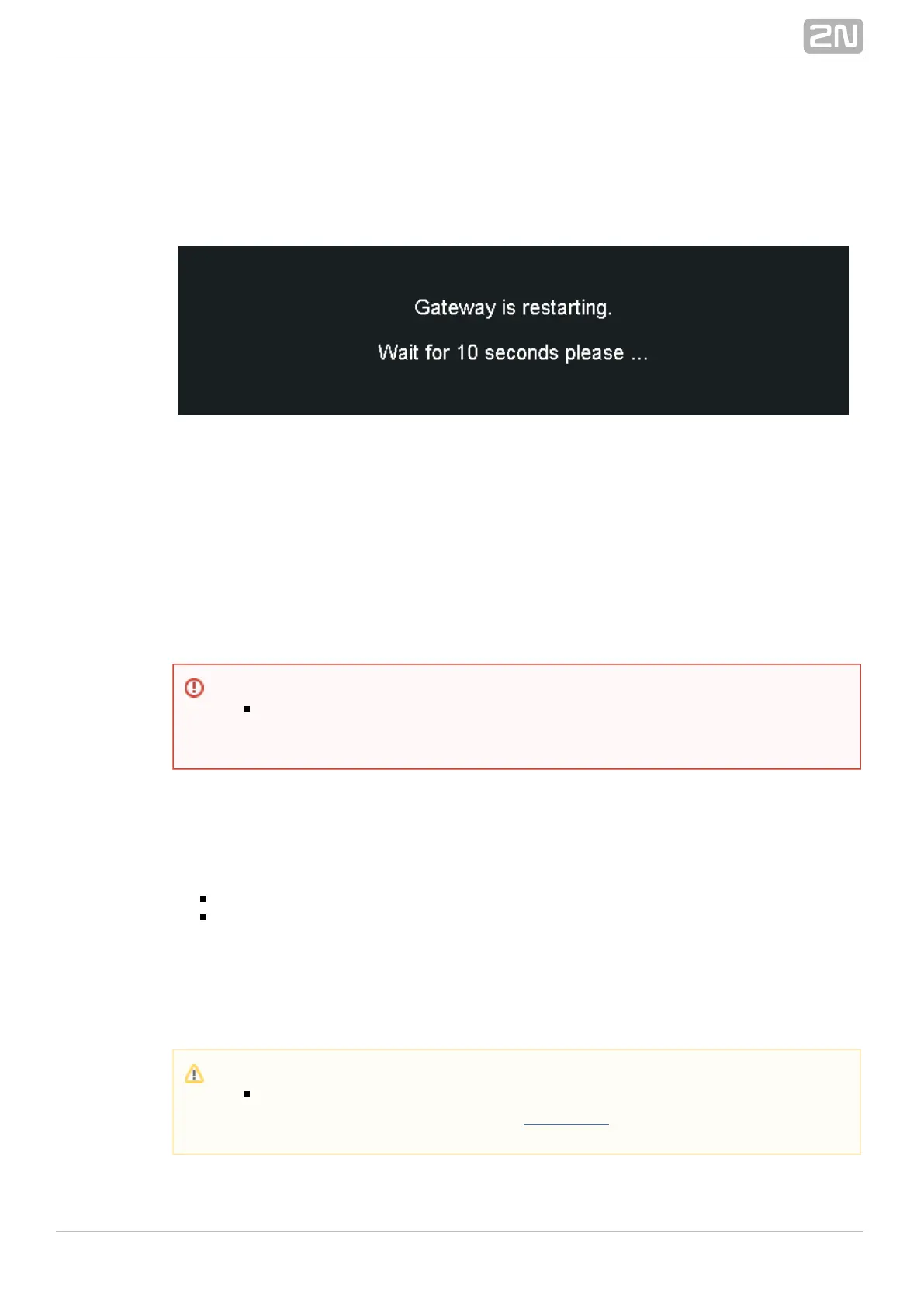
Restart
This subsection provides information on a forced restart of 2N StarGate /®
.BlueTower
Configuration Download
The window helps you download the current configuratio2N StarGate / BlueTower®
n. The file format is CFG–M202–gateway_serial_number–rrrrmmdd–hhmmss.tar.
Configuration Upload
The window helps you upload new configuration settings into 2N StarGate /®
. The Ethernet interface and login data remain the same!BlueTower
Configuration Reset
This subsection helps you restore the default configuration (except for Ethernet and
login).
Including LCR table – enable/disable keeping of the LCR table records .
Including CLIP routing table – enable/disable keeping of the CLIP routing
table records.
Documentation
Download the User Manual saved in the gateway.
Warning
Be sure to upload the configuration file intended for the selected GSM
gateway only to avoid malfunction of the GSM gateway and the necessity
to restart the system.
Caution
The User Manual version will not change during the gateway firmware
upgrade. Click on the link to for the latest User Manualwww.2n.cz
version!



 To Next Page