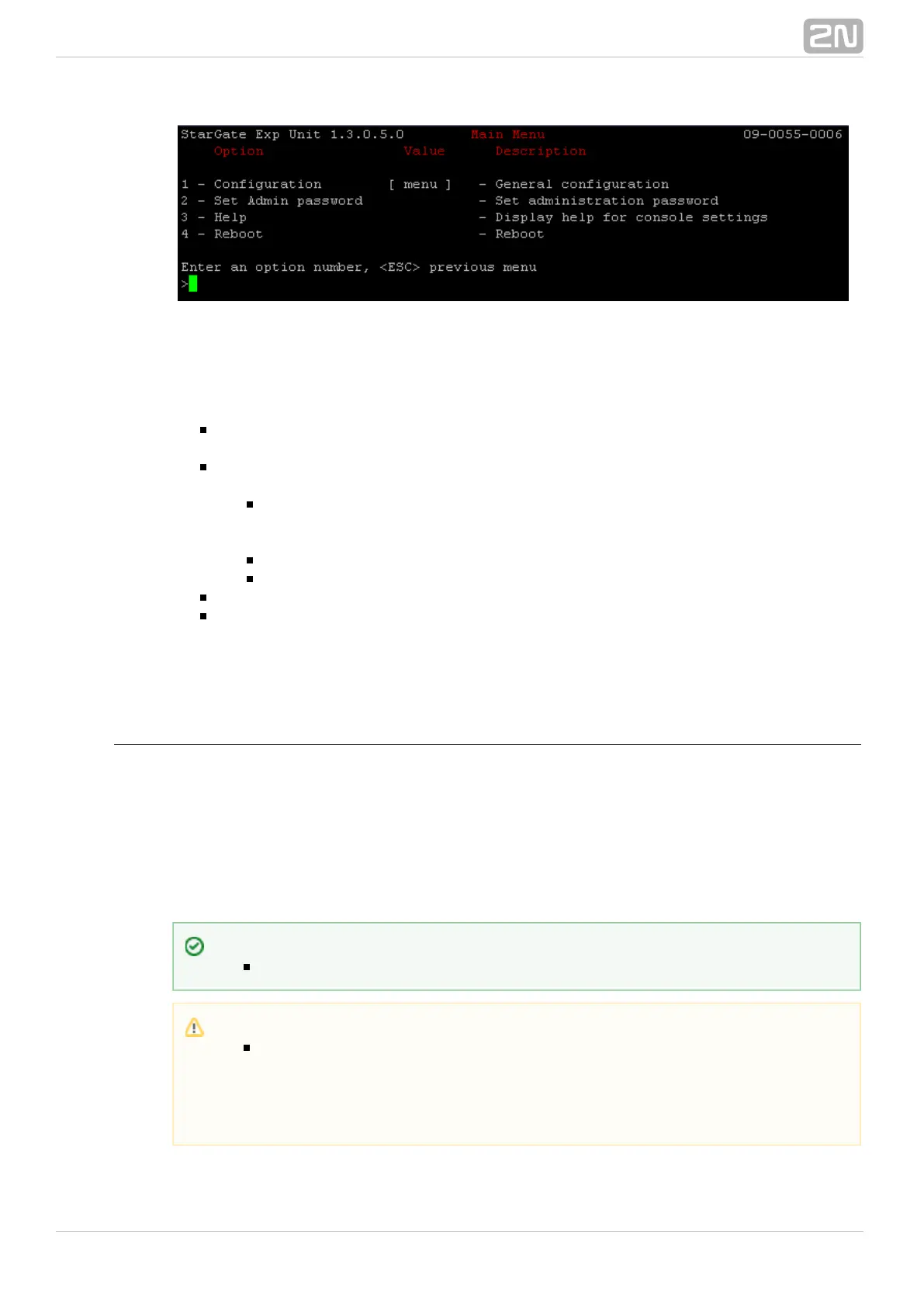
If you select a submenu, this submenu gets displayed. Now you can select items from
the selected submenu or push the ESC button for return.
Below is a brief survey of these menus only.
Main menu – This menu appears after the serial cable is connected to the eCPU
(sometimes you must press Enter). The main menu contains the following items:
Configuration menu – Use this menu to configure the Ethernet interface and
serial console:
Network – contains eCPU Ethernet interface settings. Set the static IP
address or activate the DHCP service support. You are recommended to
reboot the eCPU after changing any of the IP settings.
Console – basic settings of the serial link.
Reset settings – here restore the factory settings of the eCPU.
Set Admin password – here you can change the Admin password locally.
Reboot – here you can reboot the eCPU (e.g. in the case of IP setting changes).
After making correct IP settings, you can connect the eCPU to your Ethernet network
and perform complete configuration via a user-friendly web interface.
Web Browser Access
While the serial console interface enables you to change the basic gateway parameters
only, the web browser gives you access to all parameter settings and services available
in the gateway. To establish connection with the gateway, enter the gateway IP
address into the Internet address setting line in the browser.
If you have connected all parts properly and set the correct gateway and PC IP
addresses, the request to enter the access user name and password should get
displayed.
Tip
eCPU also supports access via secured http protocol: .https://IP_add
Caution
The manufacturer supplies the gateways with a predefined default user
account without having set its default password. Mind the Admin
Upper/Lower Case while entering the user name and password! The first
thing you should do for safety reasons after putting your gateway in
operation is to change the administrator password.



 To Next Page