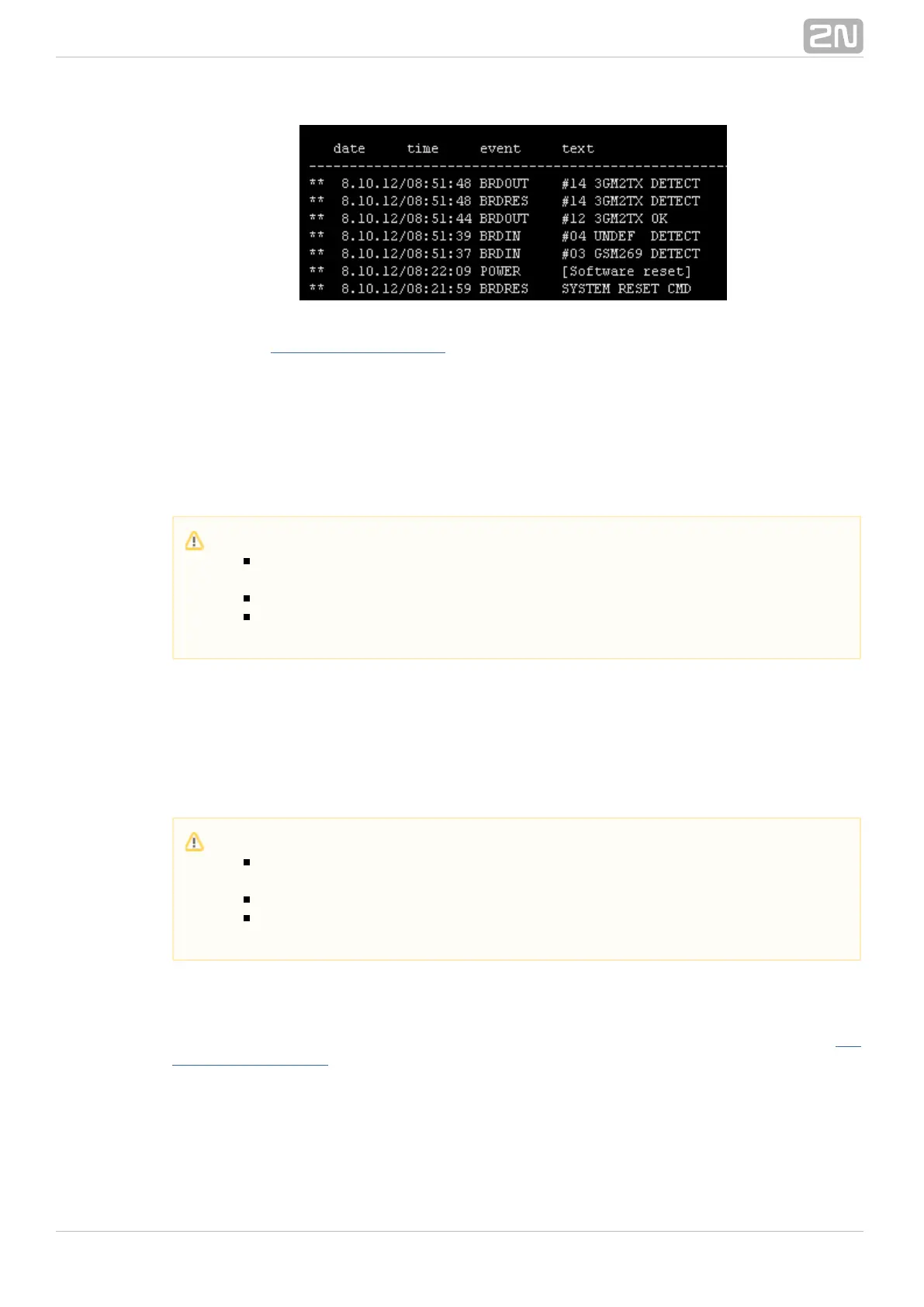
Refer to the subsection for more details.5.4 List of LOG Events
CDR File
The CDR file window helps read out the Call Data Records (CDR) of the gateway. The
bottom part of the window includes icons for saving the CDR into a file and refreshing
the CDR listing in the web window. for more detailsRefer to Subs. CDR line description
on the CDR format.
SDR File
The SDR file window helps read out the SMS Data Records (SDR) of the gateway. The
bottom part of the window includes icons for saving the SDR into a file and refreshing
the SDR listing in the web window. Refer to Subs. SDR line description for more details
on the SDR format.
Module Status
This window displays the current status of each GSM/UMTS channel. Refer to the 5.1
subsection for status details.List of Status Codes
Module Control
This window helps you control the selected GSM/UMTS module manually.
Caution
The maximum capacity is 100,000 call records. When this limit is reached,
the oldest record(s) will be deleted automatically!
The latest 1,000 call records are displayed in the web interface.
Downloading of a high amount of CDR may take up to several tens of
seconds.
Caution
The maximum capacity is 100,000 SMS records. When this limit is
reached, the oldest record(s) will be deleted automatically!
The latest 1,000 SMS records are displayed in the web interface.
Downloading of a high amount of SDR may take up to several tens of
seconds.



 To Next Page