Page 51
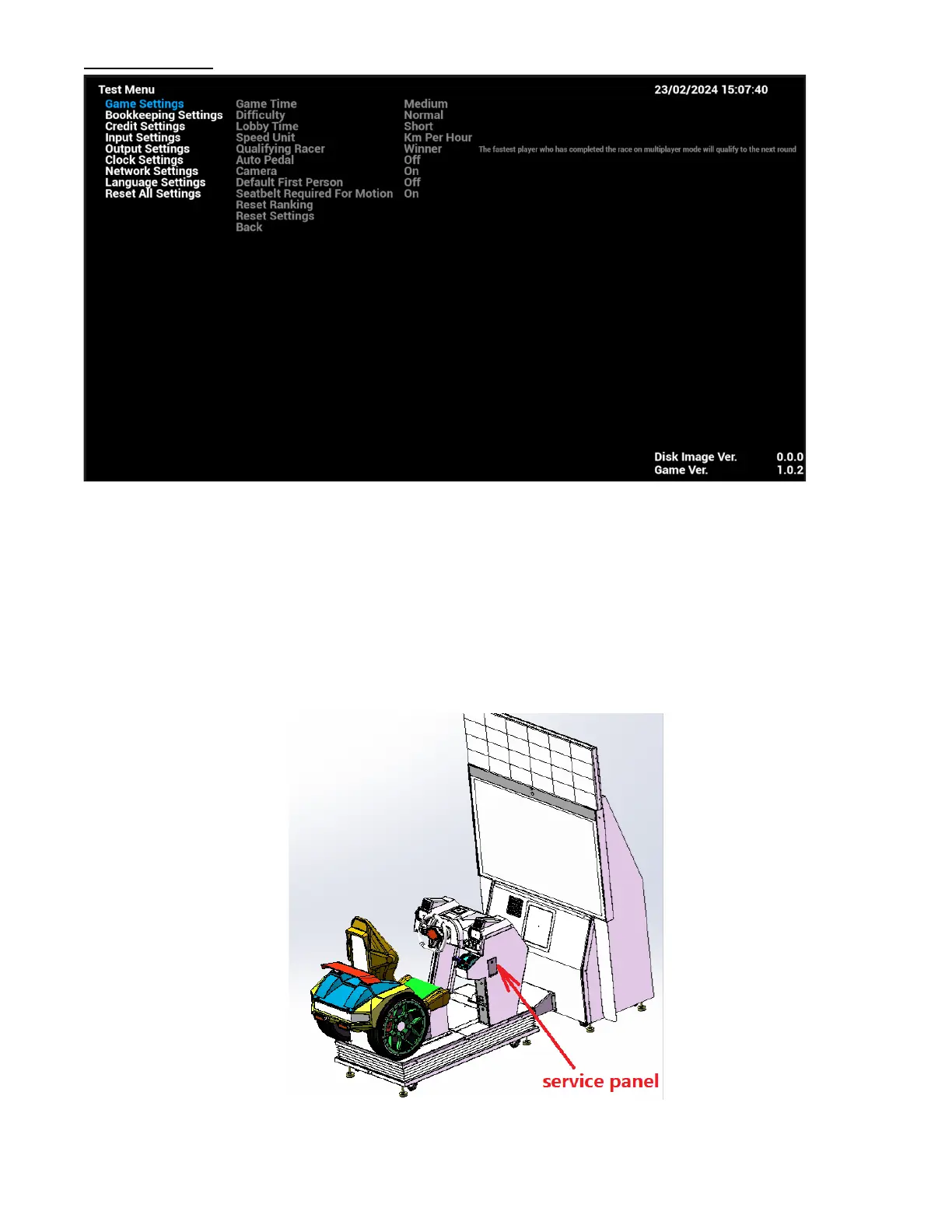
AO Test Menu
• Under the game Title Screen, press the [TEST/EXIT] key of the coin control box to enter the AO [Test
Menu], the main arcade operator menu is shown as below.
• Setup is saved automatically.
• To exit the arcade operator user interface, press the [TEST/EXIT] button. It will go back to the game title
screen with new settings.



 To Next Page