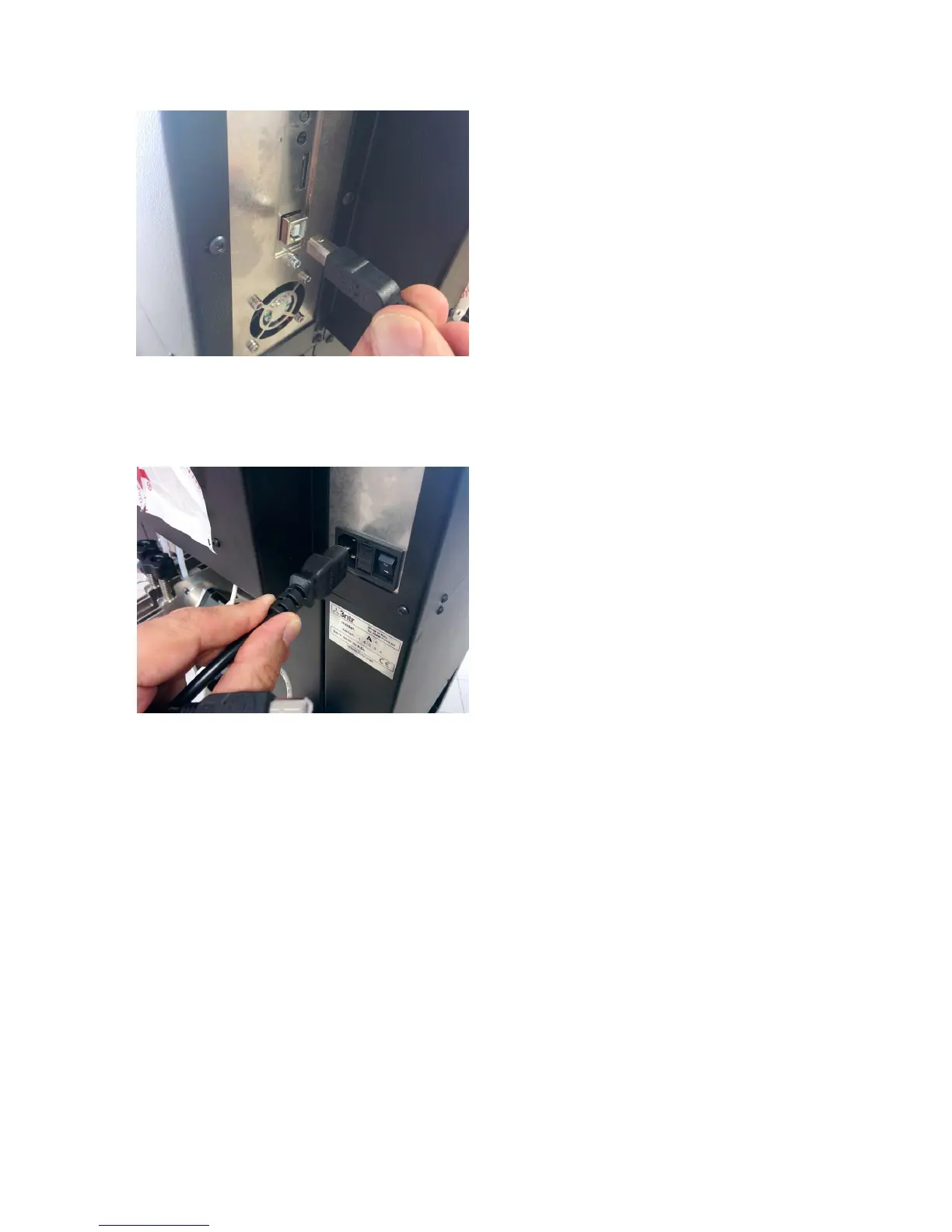
Connect the printer using the supplied USB cable.
You can connect to your PC or to a printer server.
At first we recommend using a PC to better understand
basic machine use.
Just be sure to route USB cable away from sources of
electrical noise (such as power transformers, electric
motors, and other high power/high frequency devices)
Now connect the printer to your AC wall socket, and
you're ready to go.
13
Fig 14: Connect USB cable
Fig. 15: Plug in AC cable



 To Next Page