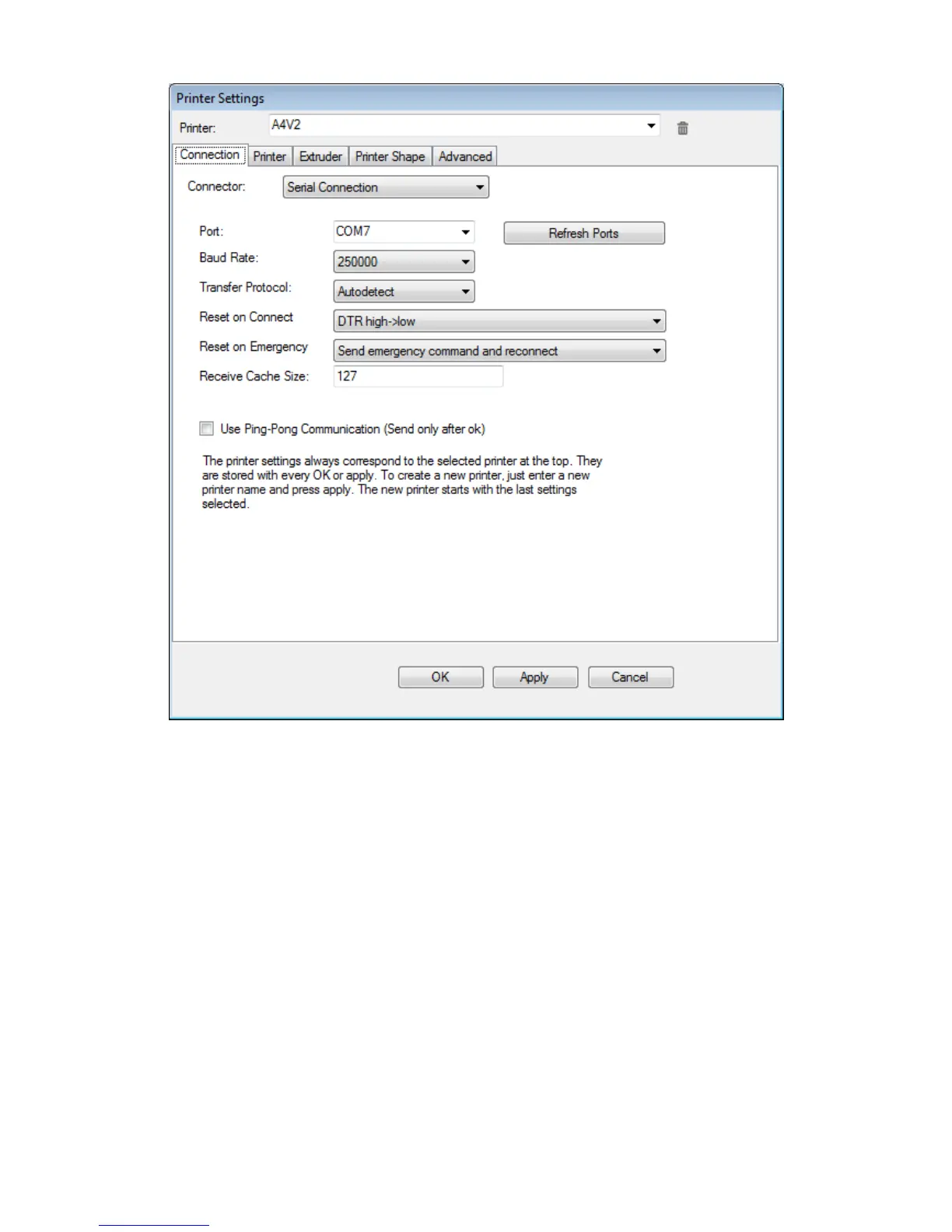
Connector: usually must be left on “Serial connection”.
Port: select the port you will use to connect to the printer. The above shown is just an example: according to
the periperals connected to your PC (inkjet printer, mouse, webcam, camera, smartphone,...), the printer will be
connected to a surely different port number. You can use the REFRESH PORTS button to force an immediate
update of available USB ports list.
Baud rate: set it to 250000
Other parameter must be left unchanged at default values (see fig.1).
15
Fig. 18: Connection parameters



 To Next Page