◦ Now you need to make sure that machine will remember this new setting: send the “M500” command to
make the current setup as the default setting.
• SOFTWARE (deprecated): faster solution but you will end up with a printer that can't use older gcodes
(generated with previous offsets). This approach is the recipe for a nightmare if you have multiple machines!
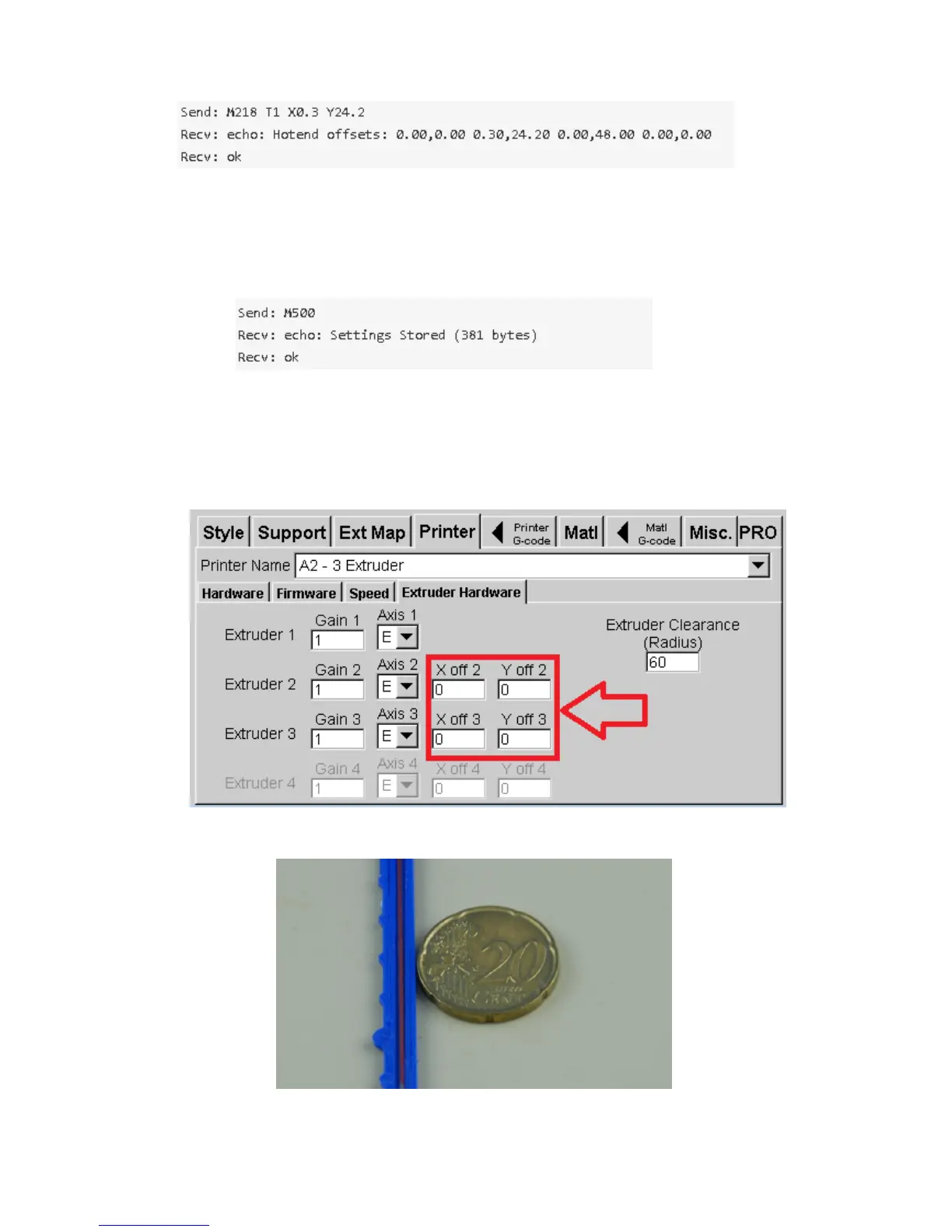
Just enter the correction values in the X and Y offset fields (the values found “reading” the XY_align part)
37
Fig. 46: Changed parameters
Fig. 47: Storing settings
Fig. 48: Slicer offsets
Fig. 49: X offset requires +0.1mm correction



 To Next Page