Pg. 9Pg. 8
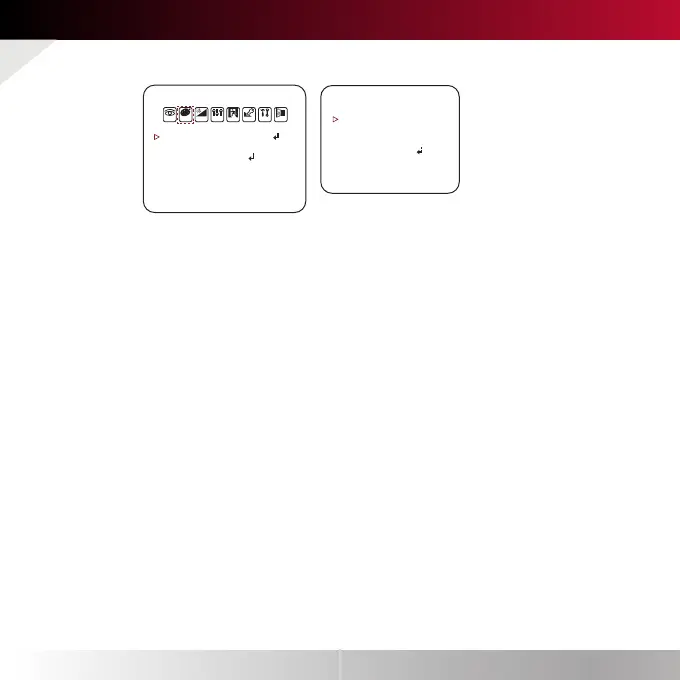
Color Settings
WB MODE
AUTO
AUTO-EX
PRESET
MANUAL
COLOR GAIN
Auto Tracking White Balance Control mode compensates for color
temperature changes between 2500K˚ and 12000K˚.
Auto White Balance Control mode compensates for color temperature
changes lower than 2500K˚ and higher than 12000K˚.
Preset fixes the white balance based on the current lighting automatically.
Users can control the white balance manually by changing RED GAIN and
BLUE GAIN. (see blow)
C-TEMP : Select the color temperature for the white balance setup.
If enabled, the Red and Blue Gain settings will be set automatically according
to the C-TEMP selected.
RED GAIN : 0 ~ 20. Adjusts the amount of red in the image.
BLUE GAIN : 0 ~ 20. Adjust the amount of blue in the image.
Set the color gain from 0~20.
WHITE BAL.
C-TEMP
R-GAIN
B-GAIN
RETURN
5000K
10
10
COLOR
WHITE BAL.
COLOR GAIN
RETURN
AUTO
10
EXPO MOTI PRIVRGB D&N FUNC SET EXIT



 To Next Page
 Loading...