DIGITAL VIDEO RECORDER MANUAL
DIGITAL VIDEO RECODER MANUAL
15
[3] Date Format : Select a Time / Date display format.
[4] Daylight Saving Time : It is commonly called as “Summer time”. During the period,
user can change system time 1 hour early or late.
[5] Time Server : It helps time set of DVR automatically by synchronization of time server service.
• Time server : Input the URL of server (Default : kr.pool.ntp.org )
• Synchronize Period : Select the period to syncronize between DVR and time server
ㅇ Power On : Try to sync once power on.
ㅇ 12Hour : Try to sync every 12 hours.
ㅇ 24Hour : Try to sync every 24 hours.
ㅇ Off : Disable to sync.
[6] Time Zone : Select a GMT zone.
[7] Apply : Save and apply time / date setting.
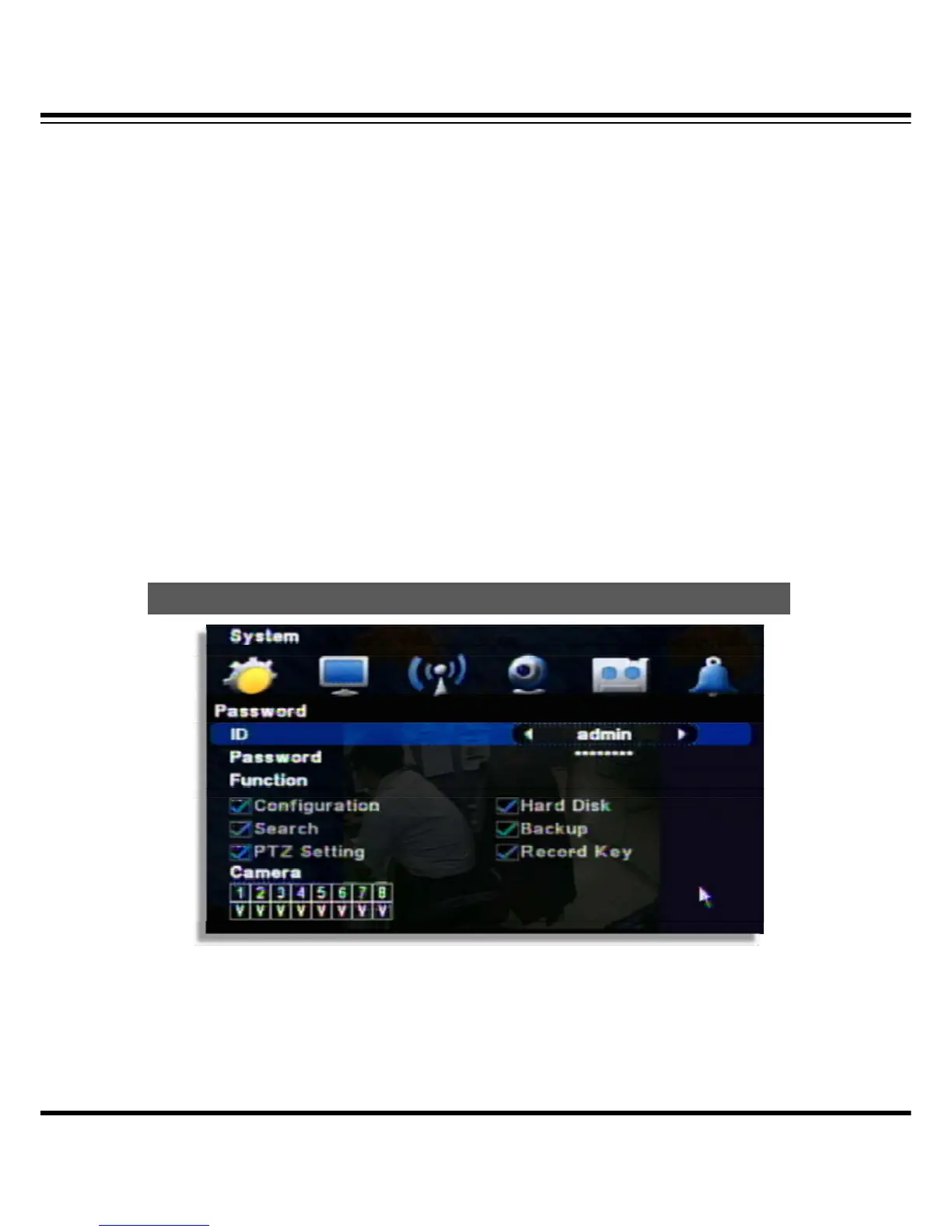
[1] ID : ID : Able to input max. 8 user’s account. (“Admin” and “User1~7“)
[2] Password : Input the new P/W for the selected ID. (Max. 8 digit)
[Note] Default password of all ID is “11111111”.
Password



 To Next Page