DIGITAL VIDEO RECORDER MANUAL
DIGITAL VIDEO RECODER MANUAL
23
[1] DHCP : “ON” for dynamic IP user.
“OFF” for static IP user.
[2] IP Address : Input the IP address.
[Example]
• IP address : 61.250.152.050
• Subnet Mask : 255.255.255.000
• Gateway : 61.250.152.001
• DNS Address : 164.124.101.002
[3] DDNS Address : Do not change the DDNS server IP (61.250.157.14)
[4] Use Port : Default port is 3000.
[NOTE] In case of using the router, the user should make port forwarding.
The port forwarding function is described on the router manual.
When an event is triggered, it is notified to the user.
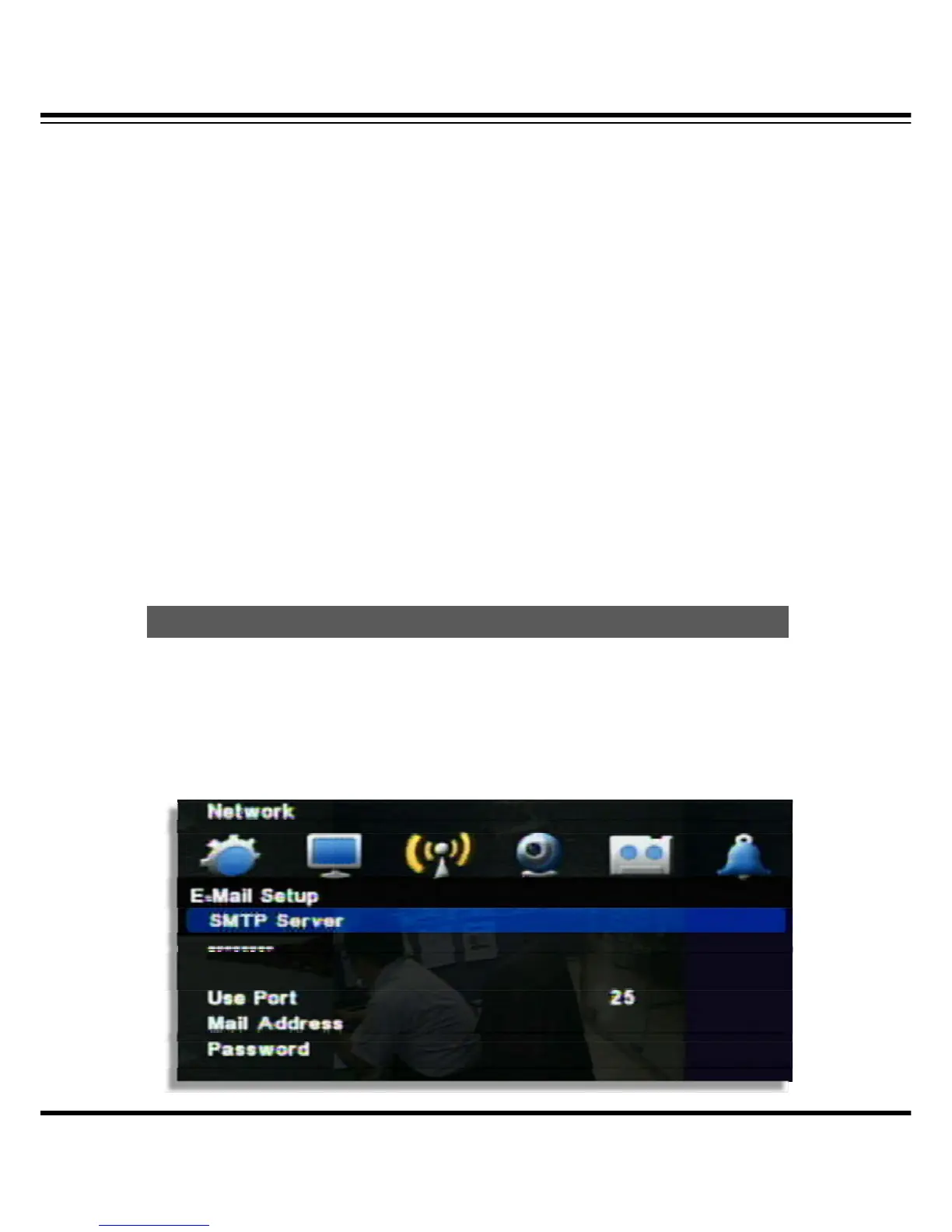
E-Mail Setup
It’s a basic setup to send E-mail, so if it is not correct, e-mail couldn’t be delivered. So be careful
to make Setup correctly.
Notification



 To Next Page