DIGITAL VIDEO RECORDER MANUAL
DIGITAL VIDEO RECODER MANUAL
38
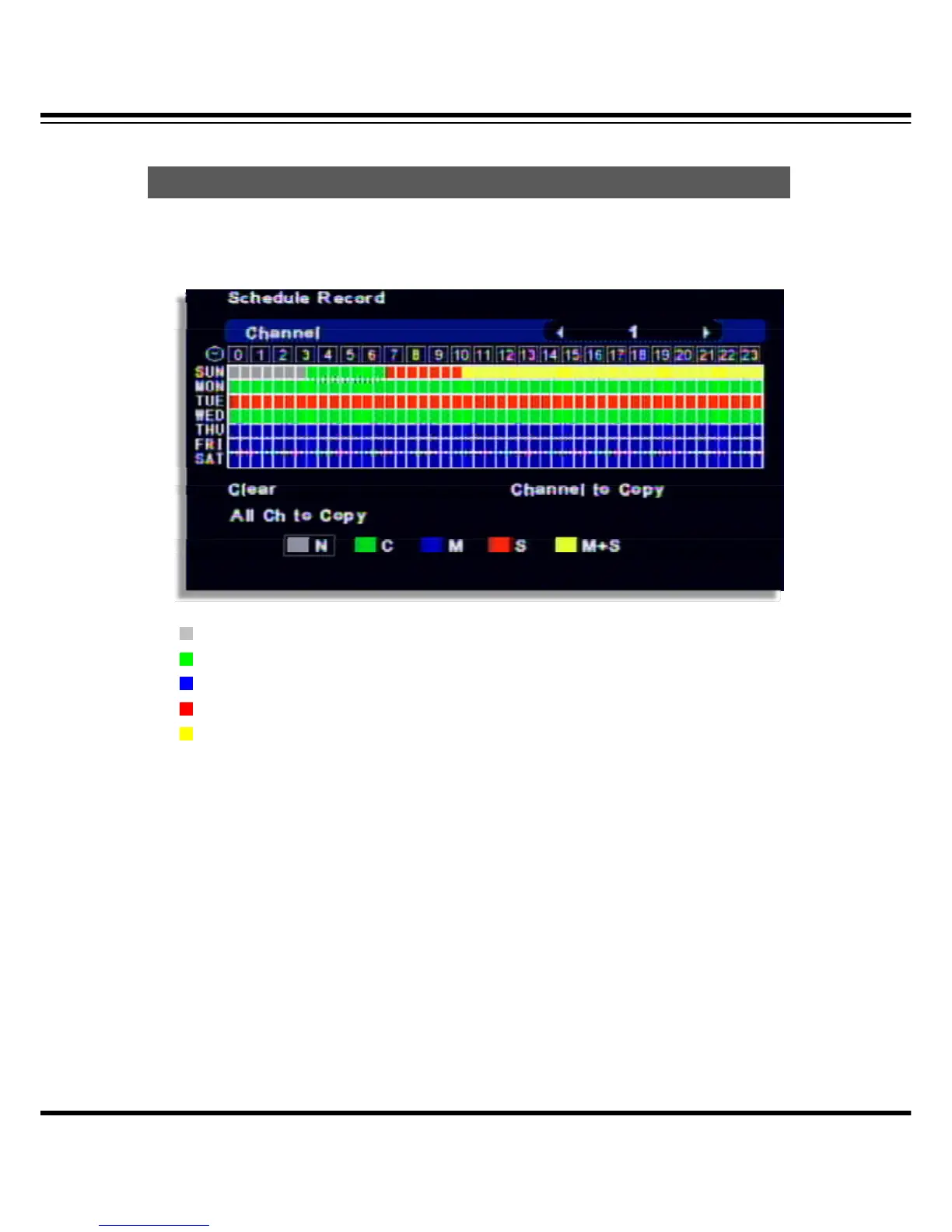
For schedule recording, it can be setup as per the day/date/time and channel.
The record schedule can be setup by an hour.
N : No record
C : Continuous record
M : Motion detected record
S : Sensor triigered record
M+S : Motion or sensor record
[How to setup]
• Select the channel.
• Once you select the day and time, whenever press “Confirm” button, event color is changed in
this order. ( N-> C -. M -> S -> M+S )
• After select the other date or time and press “Confirm”, event color changes.
• Clear : It clears the current date setup.
• Channel copy: Copy the current record setup to the selected channel.
( Escape it by pressing “SETUP” button)
• All channel copy : It copies the current record schedule to all channel.
Schedule Record



 To Next Page