DIGITAL VIDEO RECORDER MANUAL
DIGITAL VIDEO RECODER MANUAL
49
[8] Calendar search during playback
[9] Mark In-Mark Out : If you click it during playback, it recognizes as a backup start time and if
you click it once again, it recognizes as a backup end time. After this, it moves to the backup
menu automatically.
[10] Screen magnifying function in the full screen. (Use Emergency recording button on the
remote controller.)
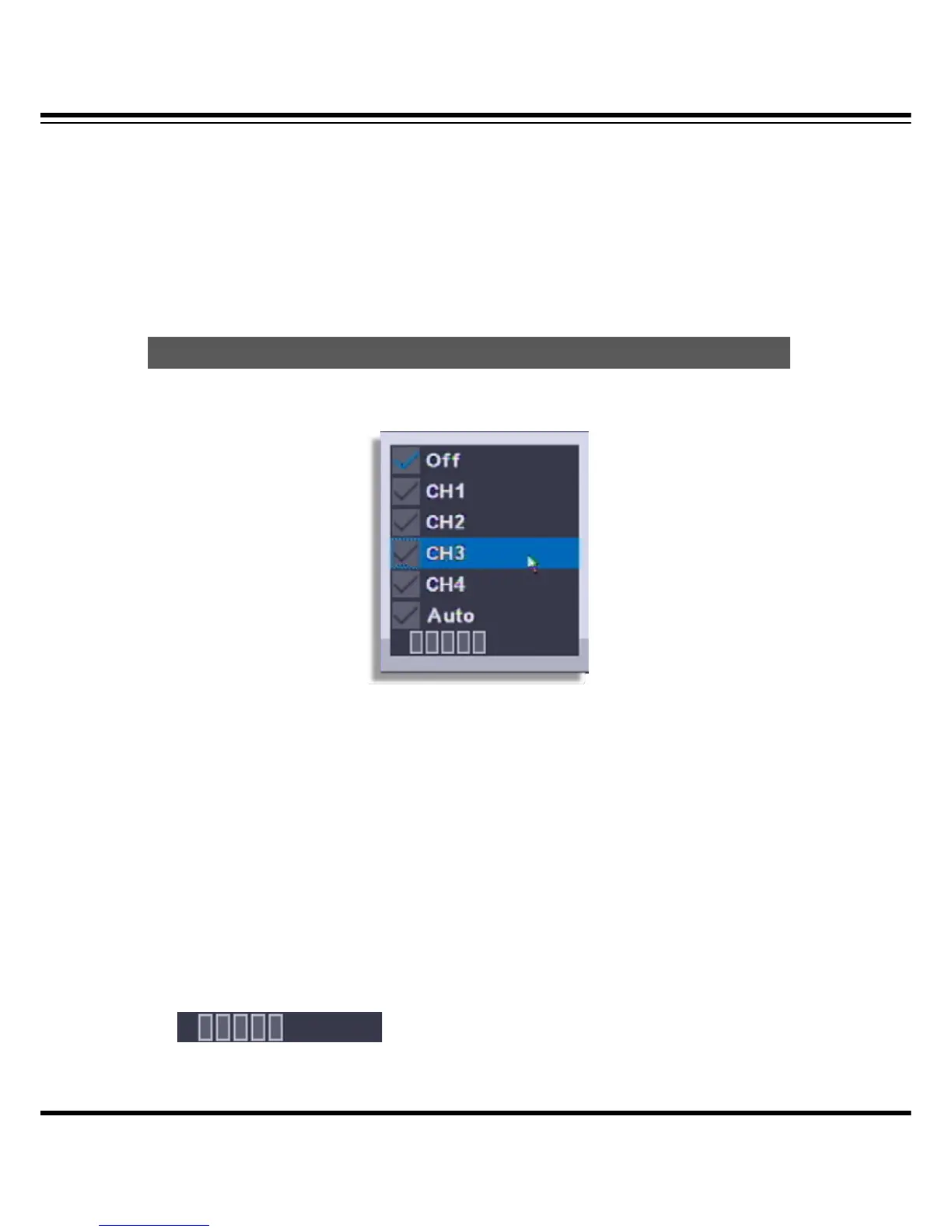
Audio can be listened in Live or Search.
[1] Menu recall : If you select the “AUDIO” during the live or playback, the audio out menu show
up. The menu call is possible by remote controller or mouse.
[2] Mode selection
• OFF : No audio use.
• CH1 : Audio out only from CH1
• CH2 : Audio out only from CH2
• CH3 : Audio out only from CH3
• CH4 : Audio out only from CH4
• Auto : Only selected channel audio out.
• Volume control : If the length of bar increase, the volume louder.
Audio



 To Next Page