DIGITAL VIDEO RECORDER MANUAL
DIGITAL VIDEO RECODER MANUAL
35
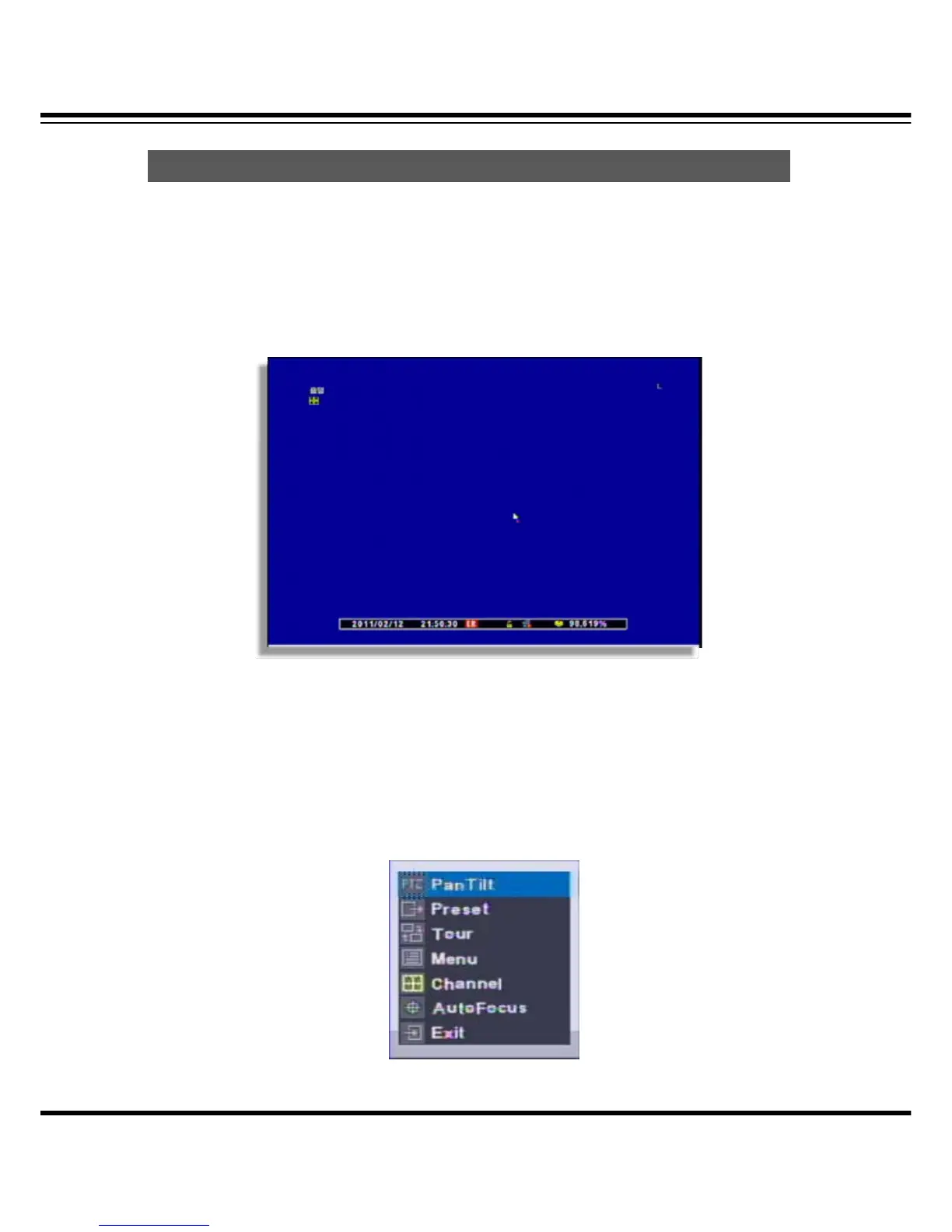
How to call the PTZ menu recall
• Mouse menu: Click the right button of mouse and select the ‘PTZ’.
• Remote controller menu: Click the “PTZ” from remote controller.
(1) Select PTZ Button on the remote controller
• When you select PTZ button, + shape icon appear. Then move to the channel you want by the
direction key.
(2) If you moved to PTZ channel, then after pushing “SET UP” button, select the menu to
operate.
How to use PAN/TILT



 To Next Page