DIGITAL VIDEO RECORDER MANUAL
DIGITAL VIDEO RECODER MANUAL
9
3 — System Operation
DVR can be operated by using remote controller and mouse.
∙ By front button
Press “MENU” button.
∙ By remote controller
Press “MENU” button on the controller.
∙ By mouse
Press the right button of mouse to call pop-up menu.
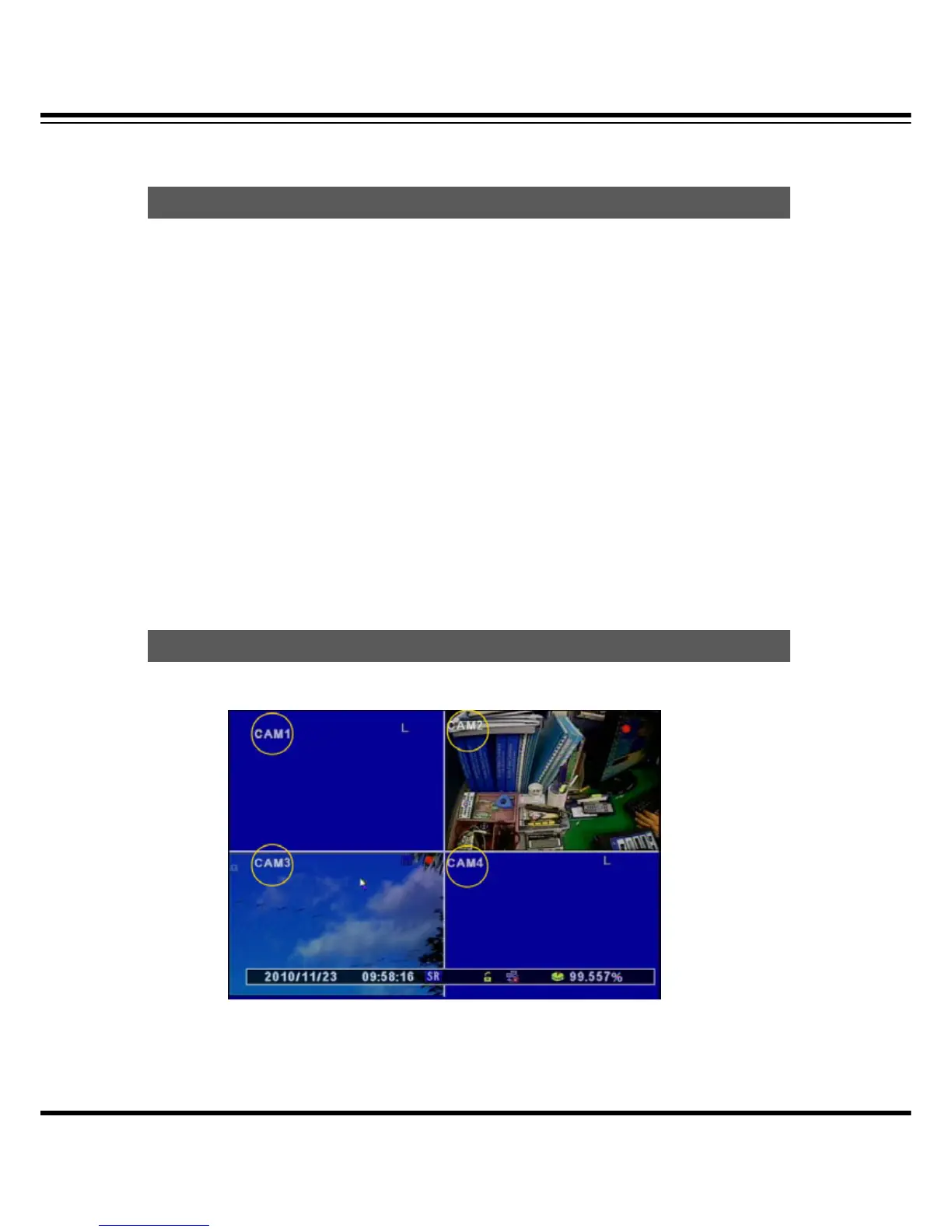
[1] The icons on the live screen indicate the status.
Icon
How to call Setu



 To Next Page