DIGITAL VIDEO RECORDER MANUAL
DIGITAL VIDEO RECODER MANUAL
75
14-5 Remote connection
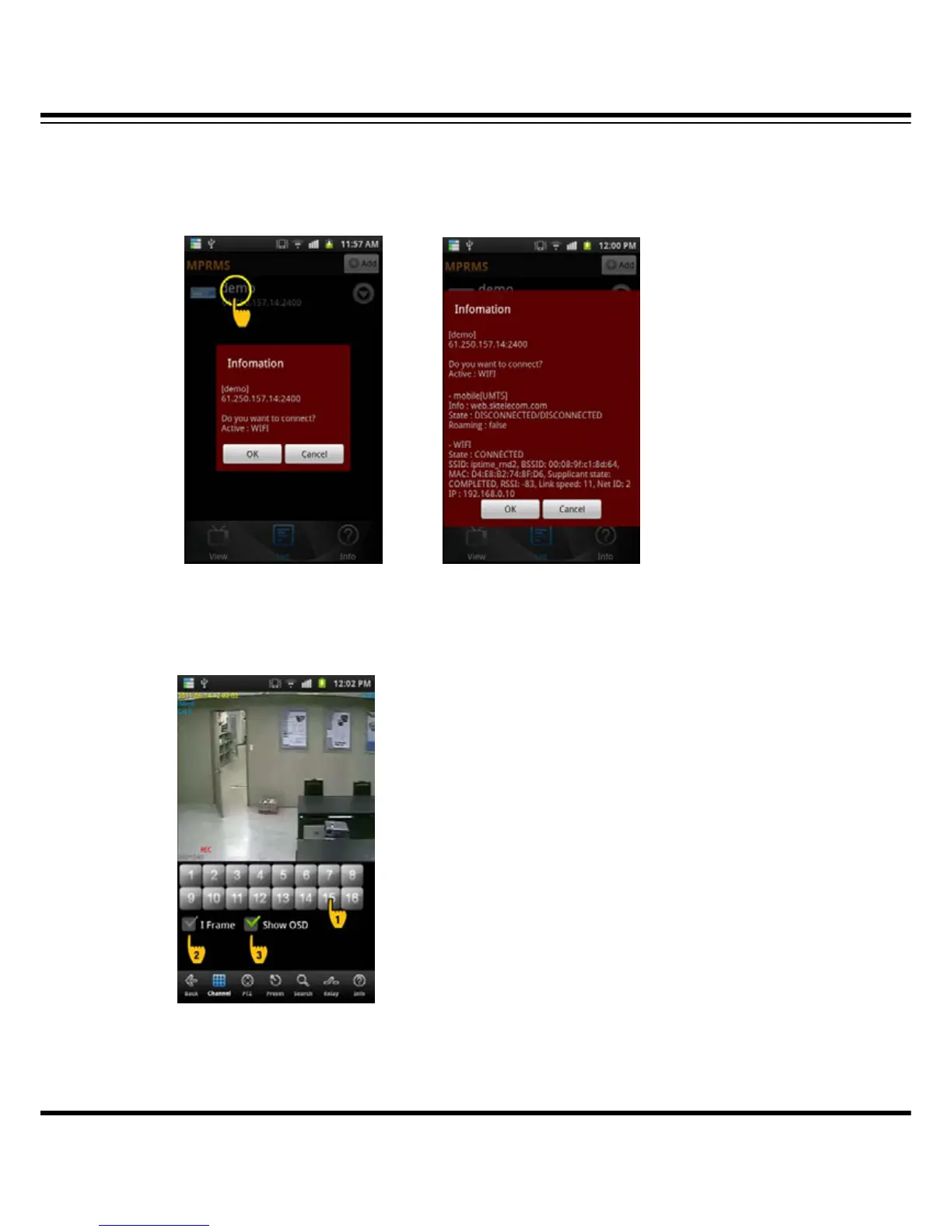
Select the registered list for connection.
Once you click the registered device, it shows information and if you click ‘OK’, it will connect DVR
for monitoring.
(List selection) (Detailed information)
14-6 Live
It shows the live image as a real-time.
(1) Numeric button : To select the channel click the numeric button.
(2) I frame : If the network environment is not good, you can see the ‘i’ frame only.
(3) Show OSD : To display the channel name, date, time, event status etc.,



 To Next Page