DIGITAL VIDEO RECORDER MANUAL
DIGITAL VIDEO RECODER MANUAL
78
PTZ menu call
AUTO FOCUS
It is OK button for PTZ OSD menu
It is CANCEL or upper menu on PTZ OSD menu
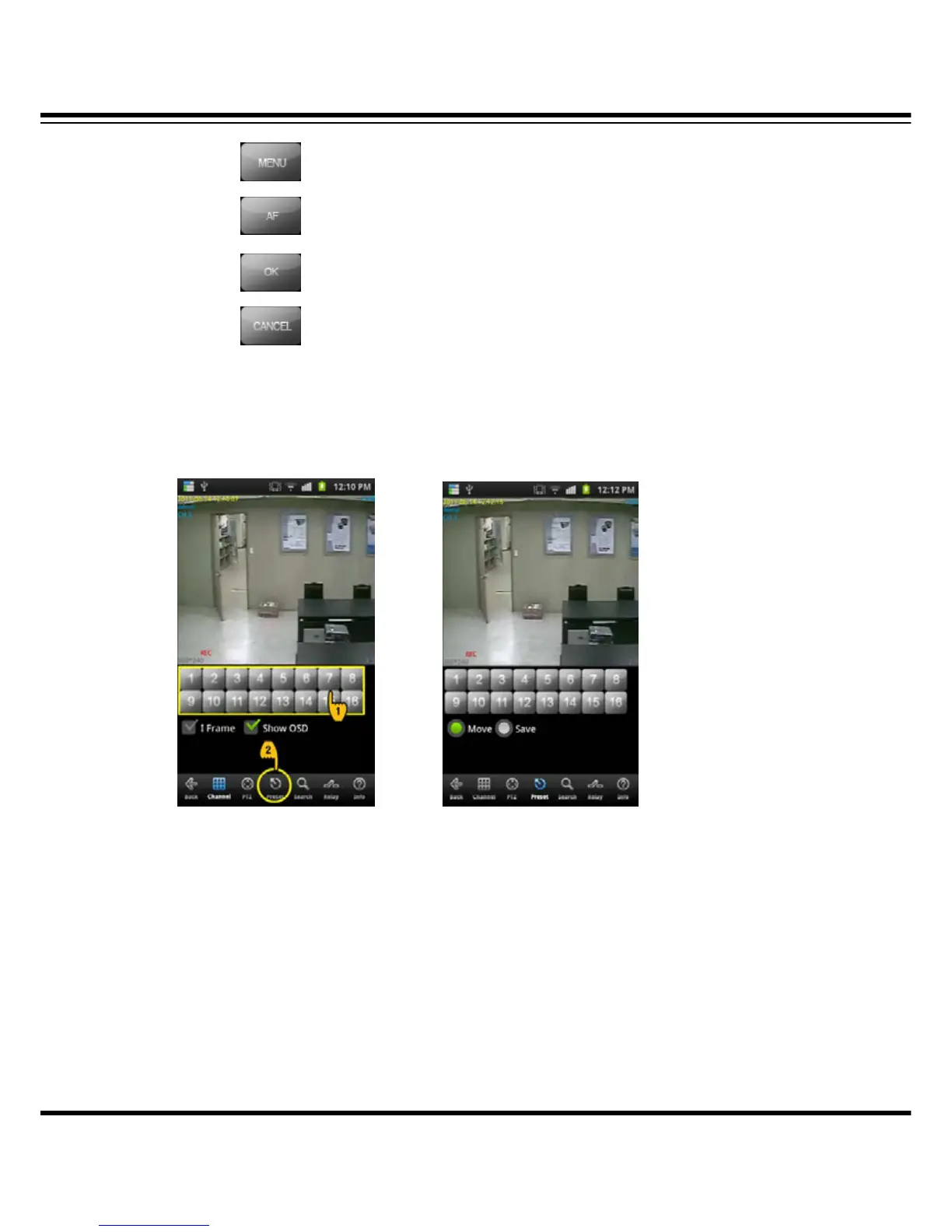
14-9 PRESET
It controls PRESET on PTZ.
(PRESET MODE SELECTION) (PRESET MODE SCREEN)
(1) How to move PTZ mode
Select the PTZ connected channel and click the PRESET button.
(2) How to move PRESET
• Move : Once you select “Move”, if you select the number, it moves.
• Save : Once you select “Save”, if you select the number, it saves the current location.



 To Next Page