Power-saving Management
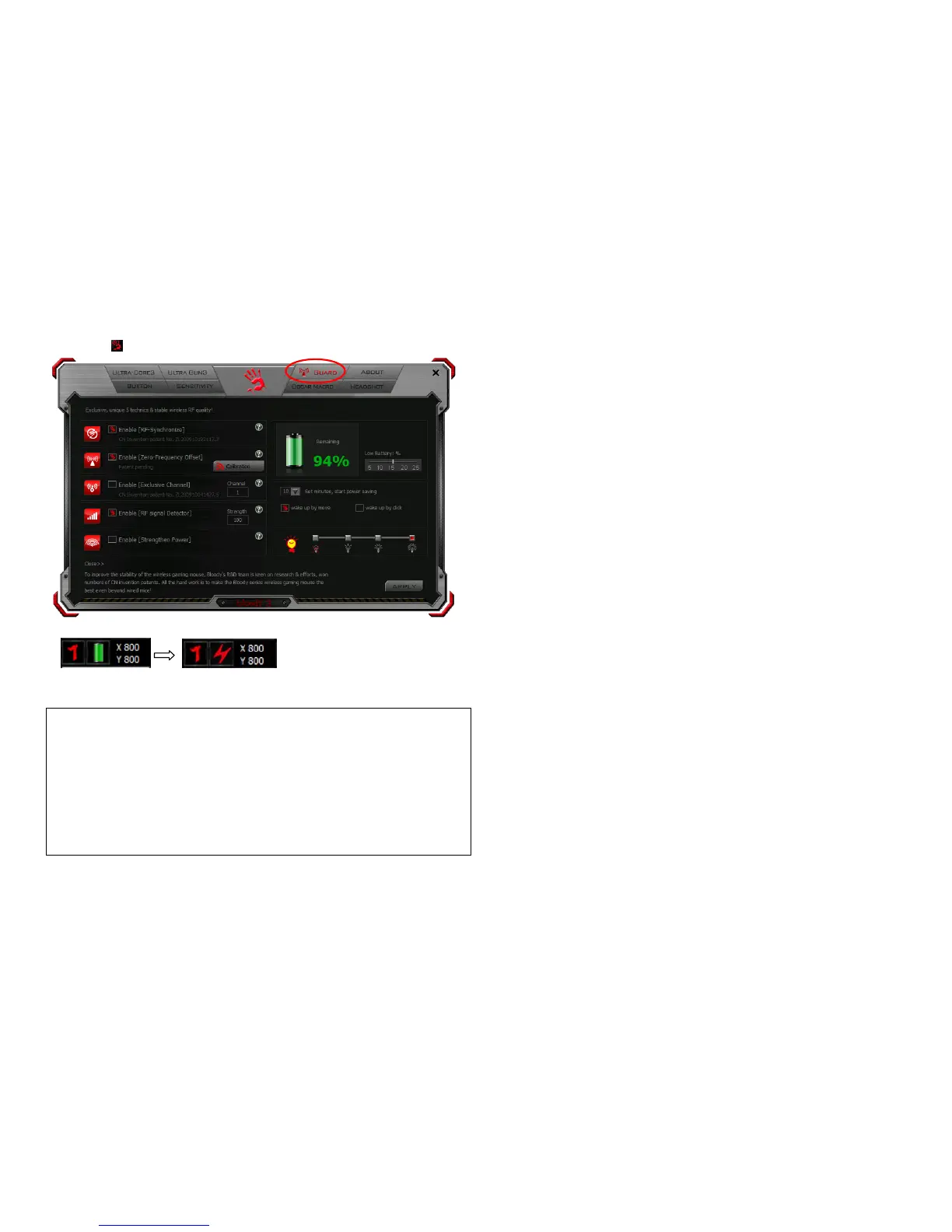
1. Click the icon at the system tray and select GUARD to manage the Power Management of mouse.
2. Software Low battery inform:Low battery informs will pop up at the right corner of your screen when battery low.
(LowBattery)
3. How to charge this Mouse:
RF Mouse Status
The Charging LED indicates:
- Low battery: the LED of wheel will be flicker (15sec). You could plug the USB
cable in USB port of PC.
- Charging mode: When the cable connect to mouse, the LED of wheel display
yellow message. If the Lithium battery is full charged, the LED will be red
message.



 To Next Page