Firearm Adjustments and Settings:
Inthefirearmfiles,theinitialmousesensitivitysettingofthegamewillbeused.Beforeyoustarttoadjustmousesensitivity,checkthecurrentfilesettings.Ifitisthesameasthegame
default,thengotoadjustmentpagetoadjust for bestmouse sensitivity toimprovepoints
ofimpactwithconcentratedballistics.Forinstance,somepopularshooting games, default
sensitivitiesare:AVAis10,CrossFireis50,NZis30andCounter‐Strikeis3.0.
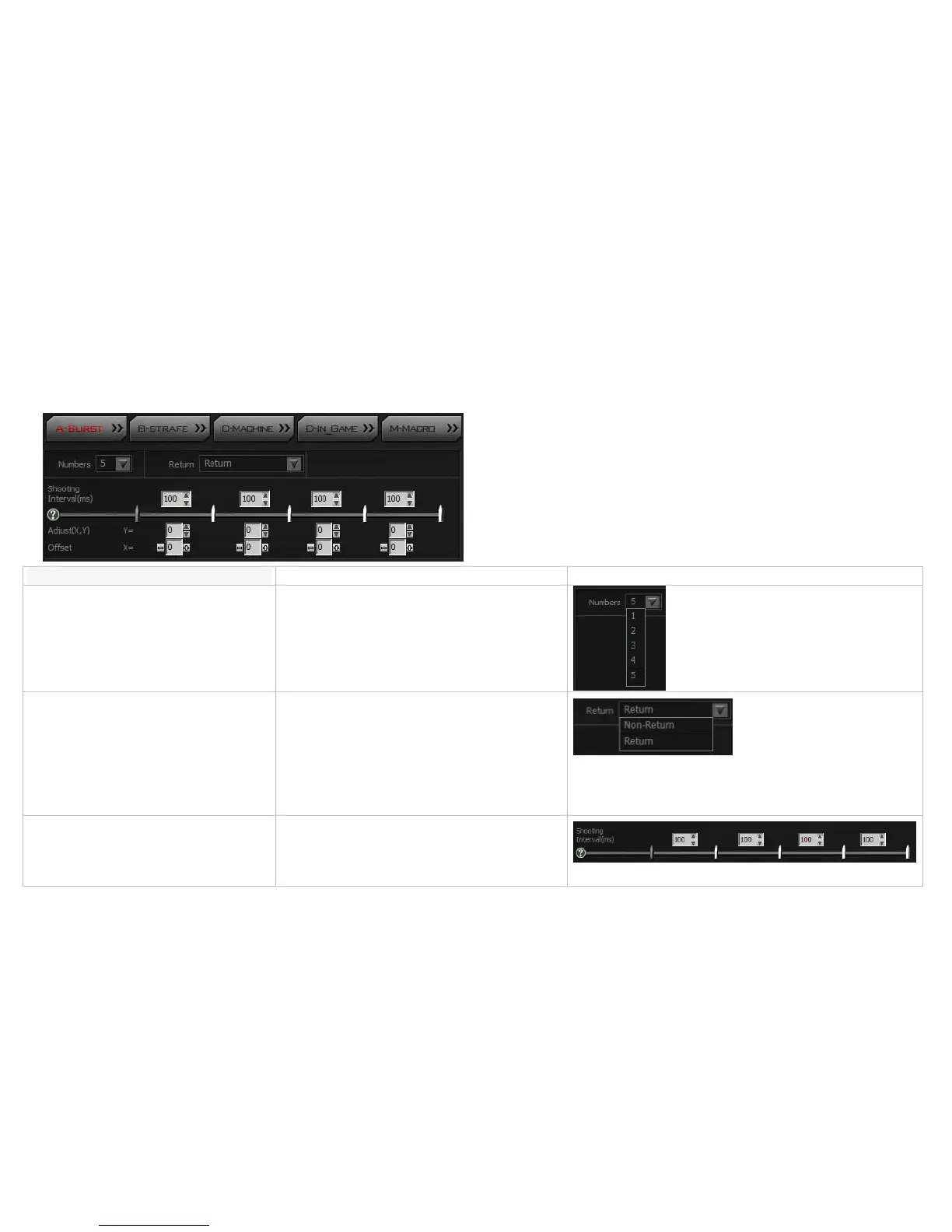
[A-Burst]:
Items Descriptions Figures & illustrations
Setupbulletnumbers Setup the bullet numbers per burst when the L‐Key is
pressed.Bulletnumbersmayrangefrom1to5bullets.
Sightreturn IfoffsetsareaddedinHEADSHOT’sgunadjustments,after
theshootingcycleiscompleted,youmaydecidetoreturn
thesighttothe“firstshot”position.
Non‐return: Remain in the last shot position, no
compensationisadded.
Return: Return to the first shot position with
compensation.
Intervalshot(ms/shot) According to the firearms features in the game
performance, you may make optimal time intervals for
eachshot.
(mini sec) ms = (1/1000 sec), value:0~999



 To Next Page