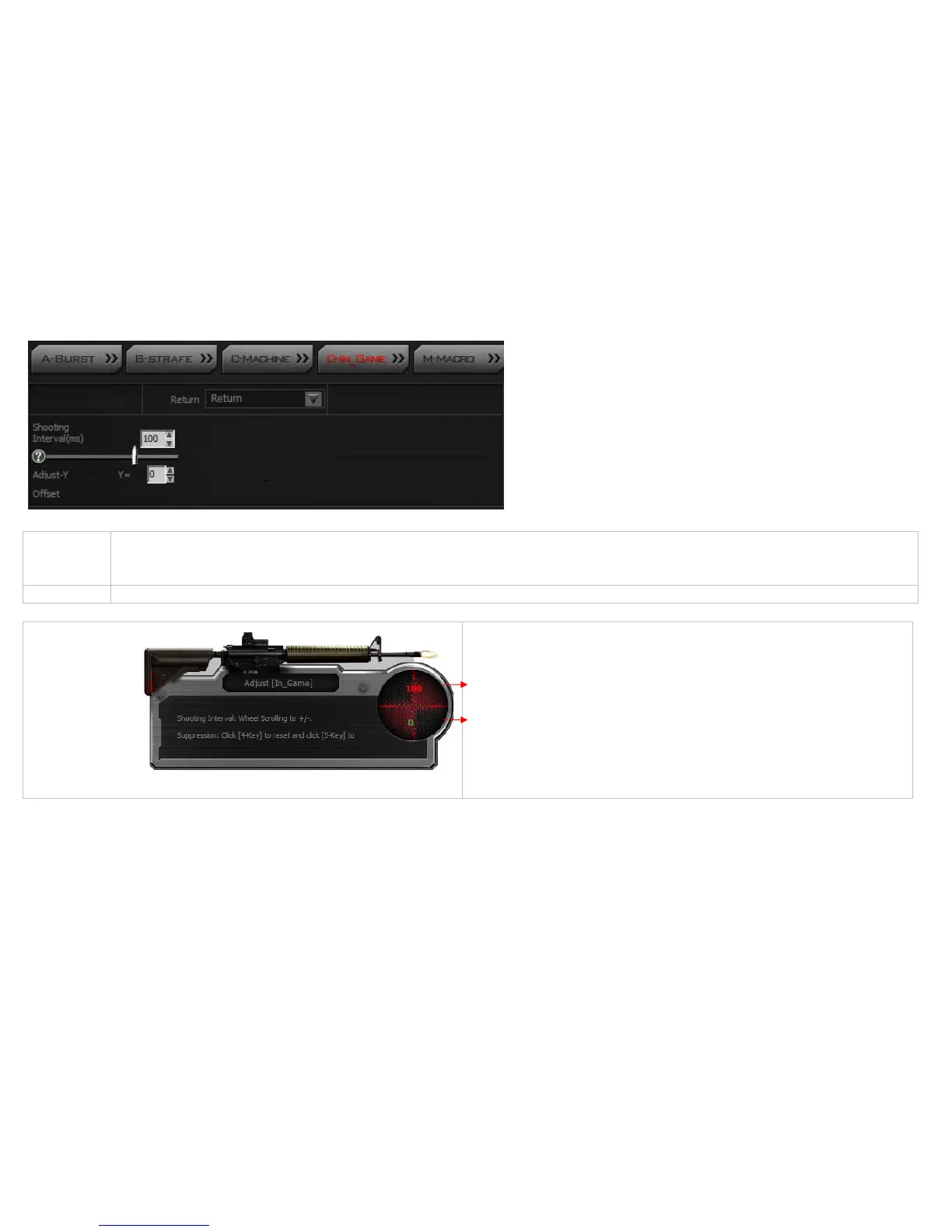
[D-In_Game]:
Usage [D‐In_Game]issimilarto[B‐Strafe]mode,excepttheusageisdifferent.The[D‐In_Game]modeisusedinthemiddleofthegamesession,forinstance,whenagunis
pickedupinthegame,withoutquittingthegame,youmayuse[D‐In_Game]toperformreal‐time
gunadjustmentsbydoubleclickingthecontrolkey“N”or”3”.The
correspondingdatawillbeautomaticallysavedandupdatedtotheoriginalfirearmsfileforfutureuse.
Application Inthe[D‐In_Game]mode,presetsightto[return]addfixedtimeinterval,adjustY[Offset],thensav edatatofirearmsfileanddesignatetocontrolkey“N”or“3”.
Inthegameplay ,doubleclick“N”or“3”toperform[D‐In_Game],thefollowingscreenwillshowup:
Inthegameplay ,doubleclick“N”or“3”(thewheelLEDwillstarttoblink)
Adjust shooting interval: Adjust shooting interval in mini-second, roll the wheel
upwards to increase or downwards to decrease the value(unit: ms).
Offset: (unit: pixel)
‐ Press mouse 4th button to reset, (which is equivalent to without recoil
suppression)..
‐ Press mouse 5th button to add offset(one click to subtract 1 pixel)
Press “N” or “3” key again to quit the editing mode(the wheel LED will stop blinking)



 To Next Page