GamingMouseSoftware(Bloody3)Introduction:
Bloody3‐HeadShotFirearmAdjustments
Features:
BeforeplayingFPSgames,youmayuseArmoryintheHEADSHOTprogramtoadjustfirearmsandsavethemtothemousememory.DependingonFPSgamesandfirearmfeatures,there
are“5‐Gun‐Adjust”modesyou mayselect, e.g., [A‐Burst],[B‐Strafe], [C‐Machine],[D‐In_Game]and[M‐Macro]
respectively .Forinstance,inthegamesessionwhile a gunorarifle is
pickedup,withoutquittingthegame,youmayuse[D‐In_Game]modetoperformgunadjustments,toenhancethegun’sfirepowerwithconcentratedballisticsandimprovedaccuracy
toincreasetheheadshotrate.
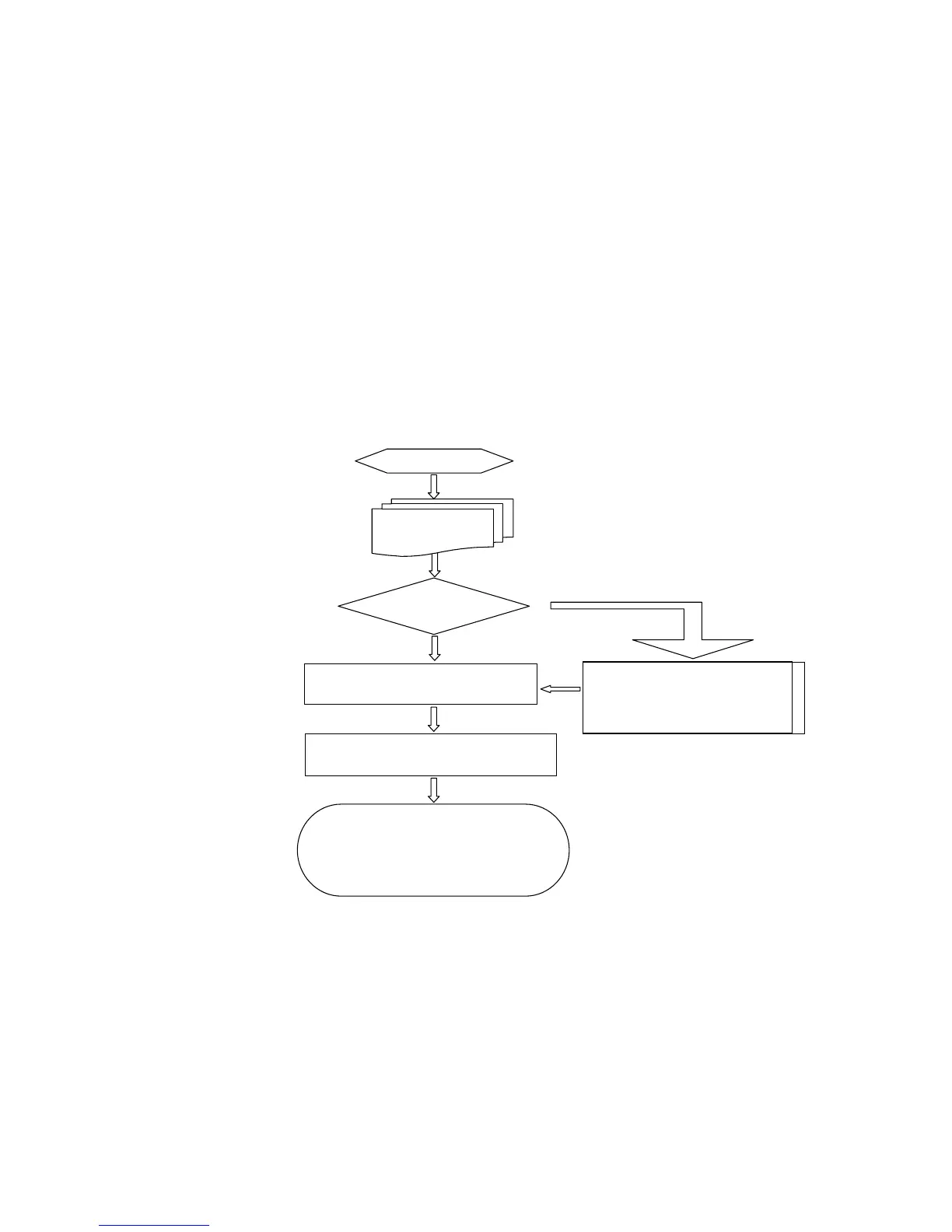
Select
Click“APPLY”tosaveabovesettingsto
themousememory
Inthegameplay ,pressN/3key,thewheel
LEDwillchangetogreen(N)oryellow(3).
Pressleftbuttontotestthefirearm.Ifit
doesnotmeetyoursatisfaction,gobackto
theHEADSHOT andre‐ setu
Useeitherwaytocreate:
ImportfirearmdatatoArmory
Use5‐waygun‐adjusttosetupanewgunand
savetoArmory.



 To Next Page