Chapter 4 Driver Installation 89
2. Place the Supporting CD-ROM in your CD-ROM drive.
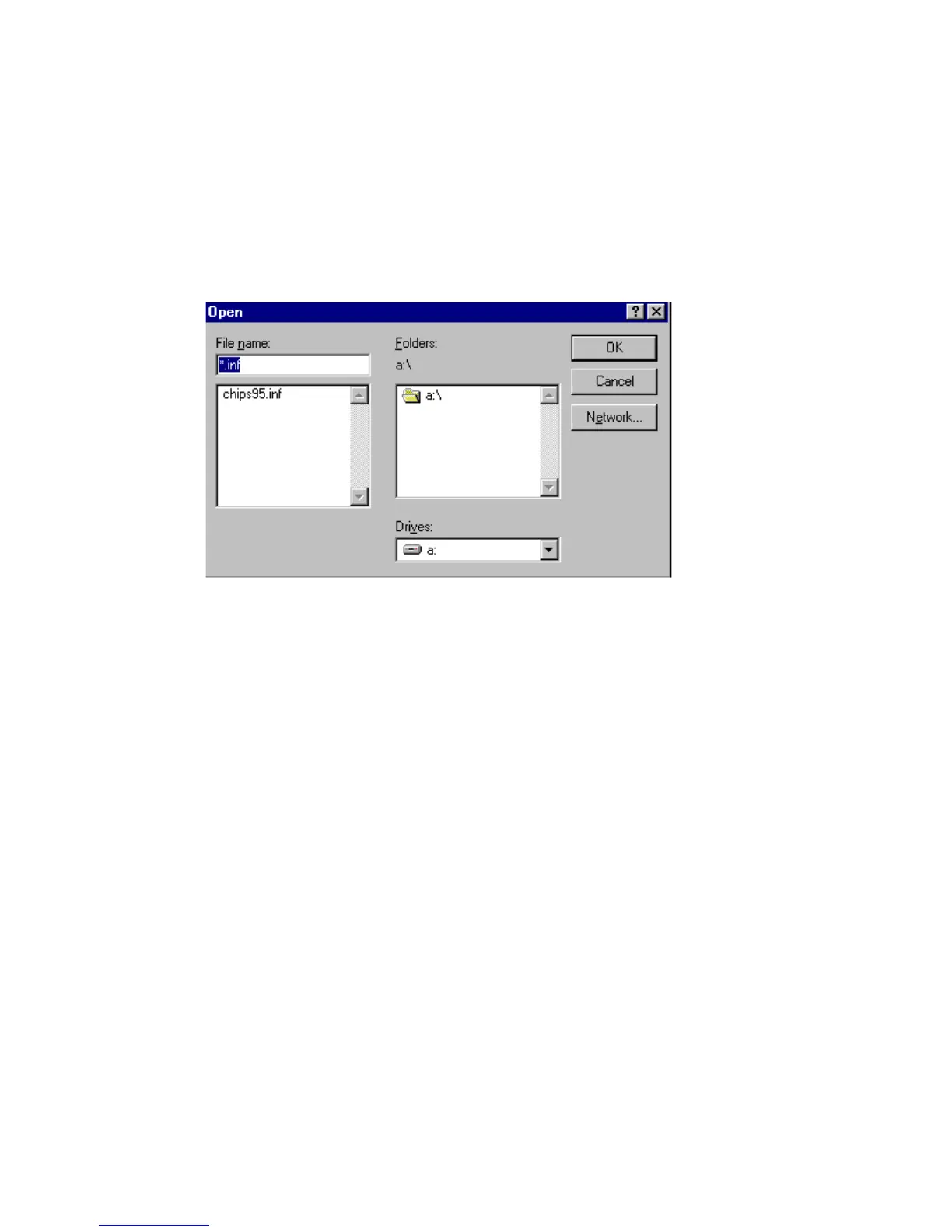
In the Select Device window, click on Have Disk, Select Browse,
and find the Win95 driver "chips95.inf" in the Supporting CD-
ROM:
cd-rom: \CD ROM\model name\driver\vga driver
\win95\chips95.inf and then click OK.
"cd-rom" : the drive letter of your CD-ROM drive
"model name" : the model number of your product
figure 4


 To Next Page
 Loading...







