Chapter 2 Installation 15
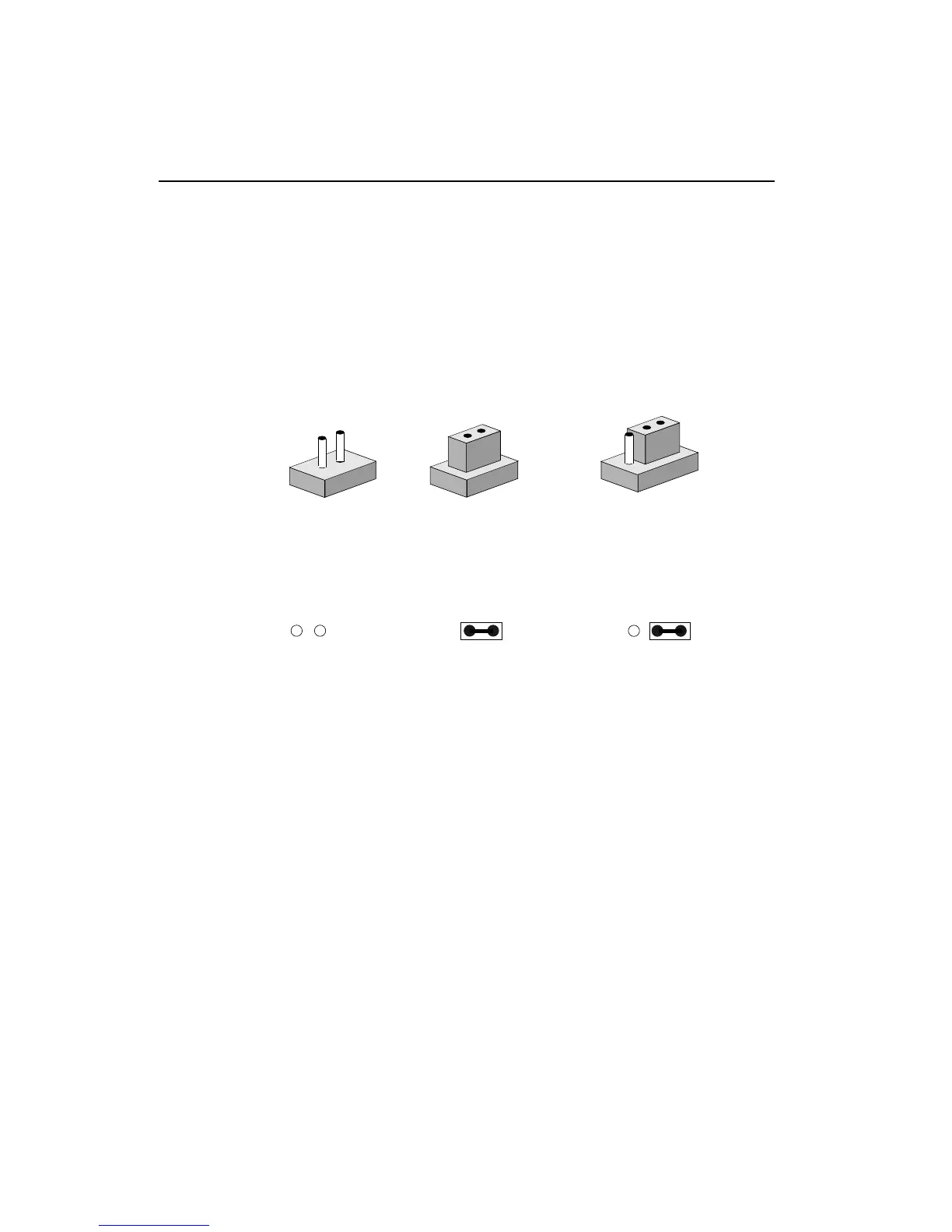
Setting jumpers
You can configure your card to match the needs of your application
by setting jumpers. A jumper is the simplest kind of electric switch.
It consists of two metal pins and a small metal clip (often protected
by a plastic cover) that slides over the pins to connect them. To
“close” a jumper you connect the pins with the clip. To “open” a
jumper you remove the clip. Sometimes a jumper will have three
pins, labeled 1, 2, and 3. In this case you would connect either pins
1 and 2 or 2 and 3.
The jumper settings are schematically depicted in this manual as
follows:
A pair of needle-nose pliers may be helpful when working with
jumpers.
If you have any doubts about the best hardware configuration for
your application, contact your local distributor or sales representa-
tive before you make any changes.
1
3
2
Open Closed Closed 2-3
Open Closed Closed 2-3
1 2 3



 To Next Page