86 PCM-5896 User Manual
Windows® 95
These drivers are designed to work with Microsoft
Ò
Windows
Ò
. You
just install these drivers through the Windows
Ò
operating system.
Driver installation
1. Install Windows
Ò
95 as you normally would for a VGA display.
Click the Start button, go to Settings and click on Control
Panel. Choose the Display icon and double click on the icon.
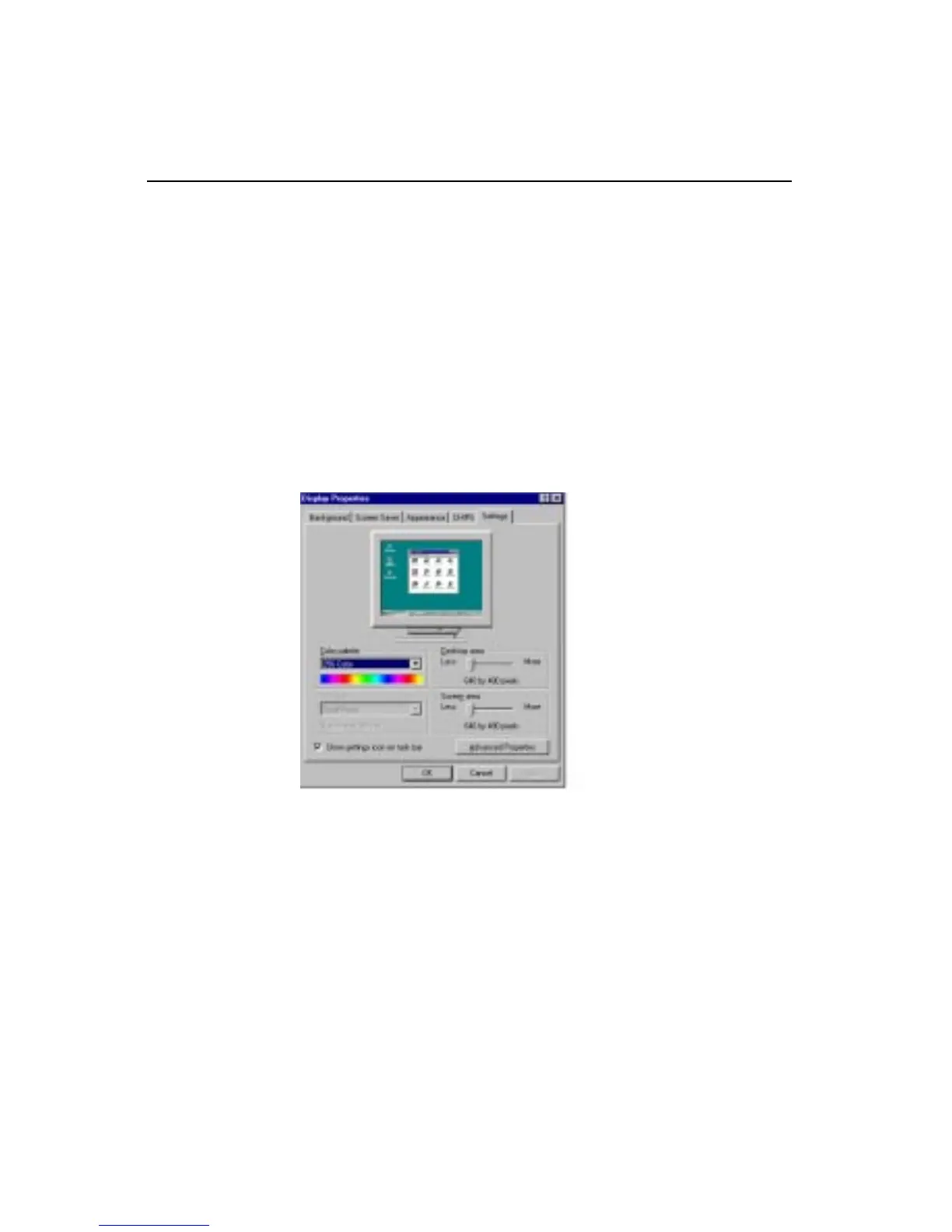
In the Display Properties window, show as figure 1:
figure 1



 To Next Page