English 2
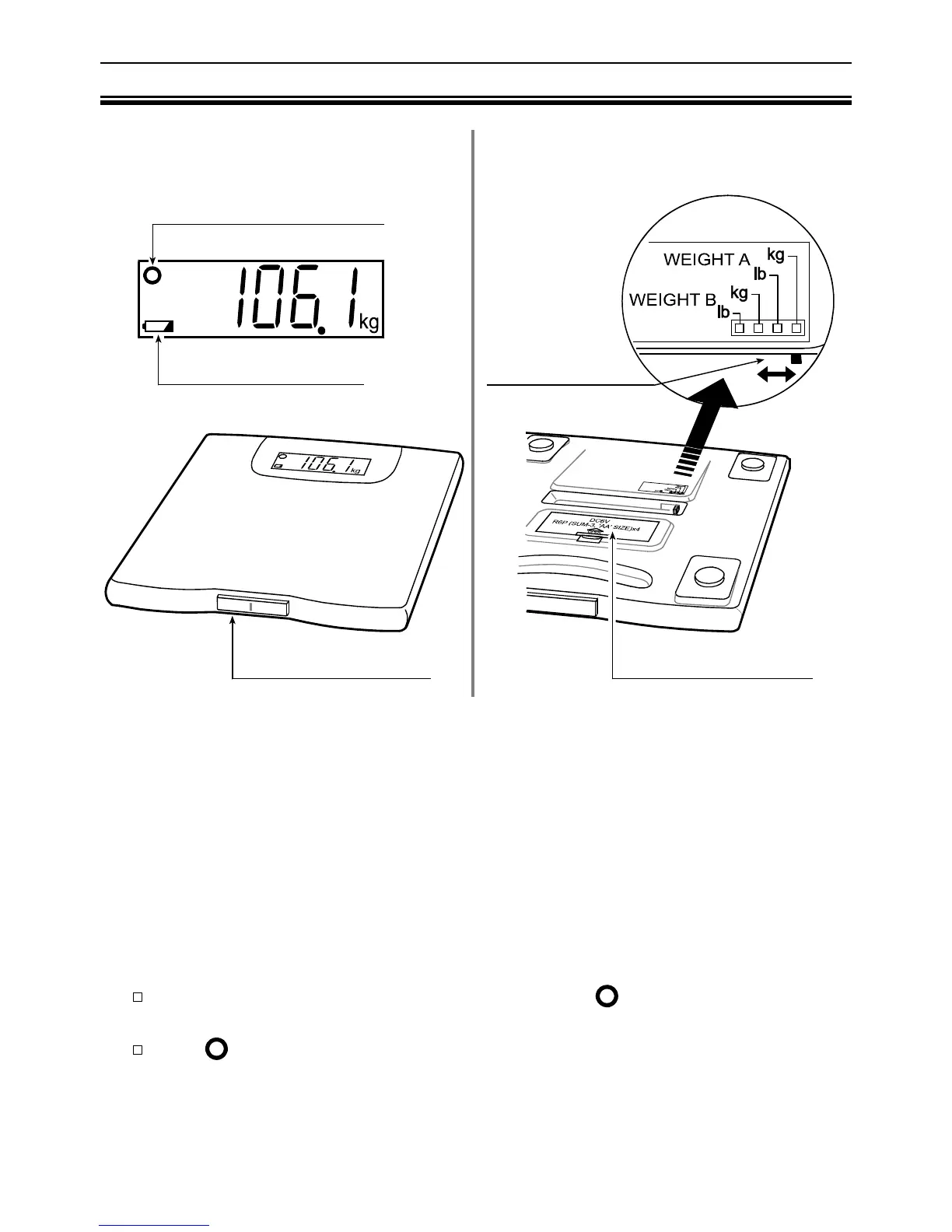
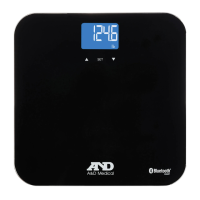
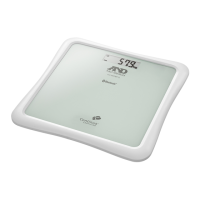
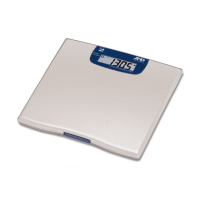
Scale Components
Display Back
Front
The following measurements can be selected by the slide switch and are
classified into two categories - WEIGHT A and WEIGHT B. Within WEIGHT A
and WEIGHT B, you have a choice to select and have your weight displayed in
kg or lb. The difference between WEIGHT A and WEIGHT B is the speed of
communication from the data port to another device (e.g. modem, printer,
telephone). Please follow instructions from your telemonitoring company to
select the proper position on the slide switch.
The scale has an “Automatic power-off” function.
If “0.0 kg /0.0 lb” and the Ready/Complete symbol
are displayed about
forty-five seconds, the scale will automatically turn off.
If the
symbol and the weight are displayed about fifteen seconds, the
scale will automatically turn off.
Ready/Complete Symbol
Low Battery Indicator
Measurement Switch
Slide Switch
Battery Compartment


 To Next Page