English 8
Before Requesting Service
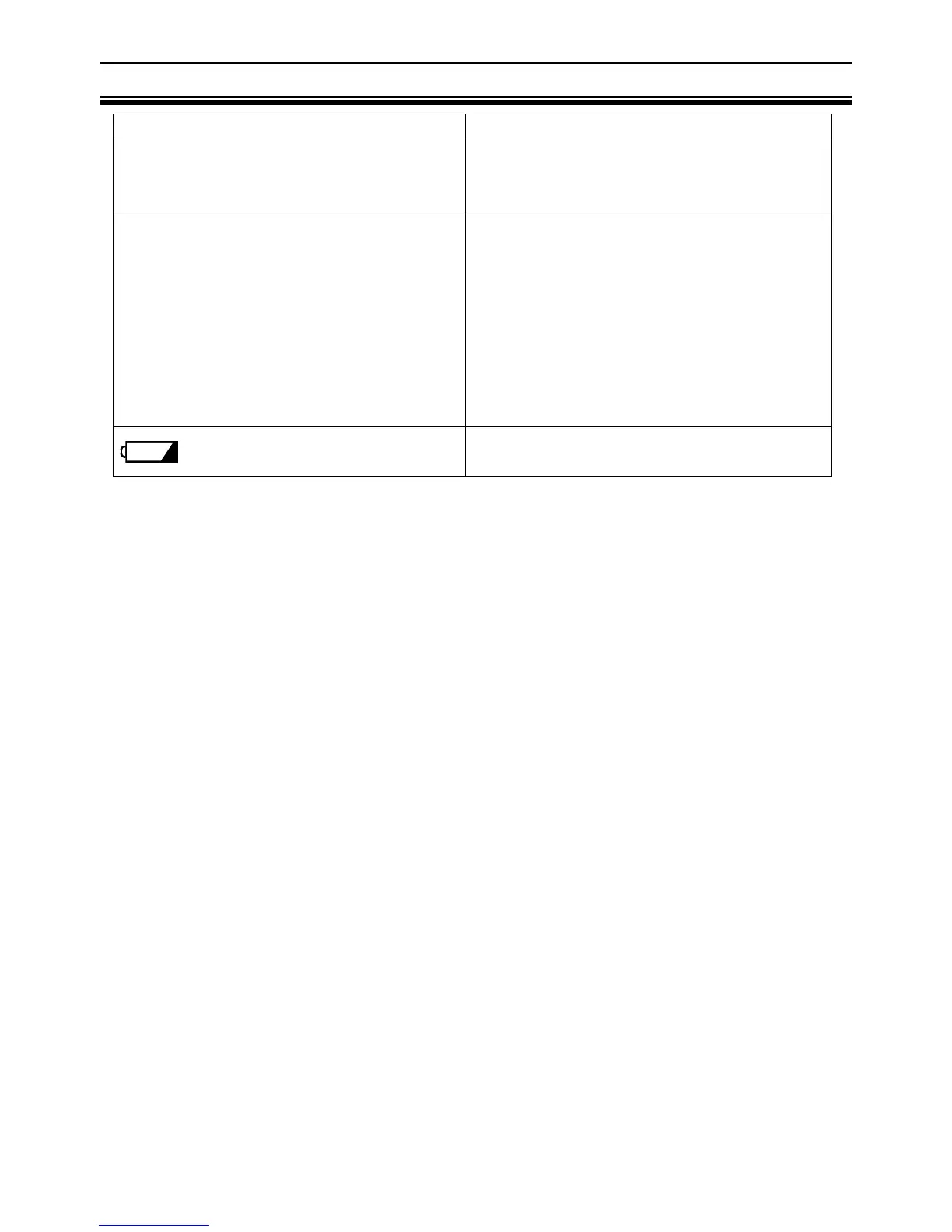
Problems Corrective Action
Nothing is displayed by pressing the
measurement switch.
Check the battery installation.
Replace all four batteries with new
ones.
“88888” remains displayed.
“e- 0” is displayed.
The difference between an estimated
weight and a measured weight is
excessive.
Remove and reinstall the batteries.
Place the scale on a solid level
surface.
Remove any foreign objects that might
be touching the bottom of the scale.
When the scale is placed on a carpet,
be sure that the add-on feet are
attached or try moving the scale to a
level surface such as tile or wood.
is displayed.
Replace all four batteries with new
ones.
If you can not locate and fix the problem, contact your supplier, or the A&D service
group. The A&D service group will support authorized suppliers with technical
information, spare parts and units.


 To Next Page