English 4
Basic Measurement
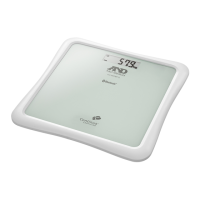
Measuring Your Weight
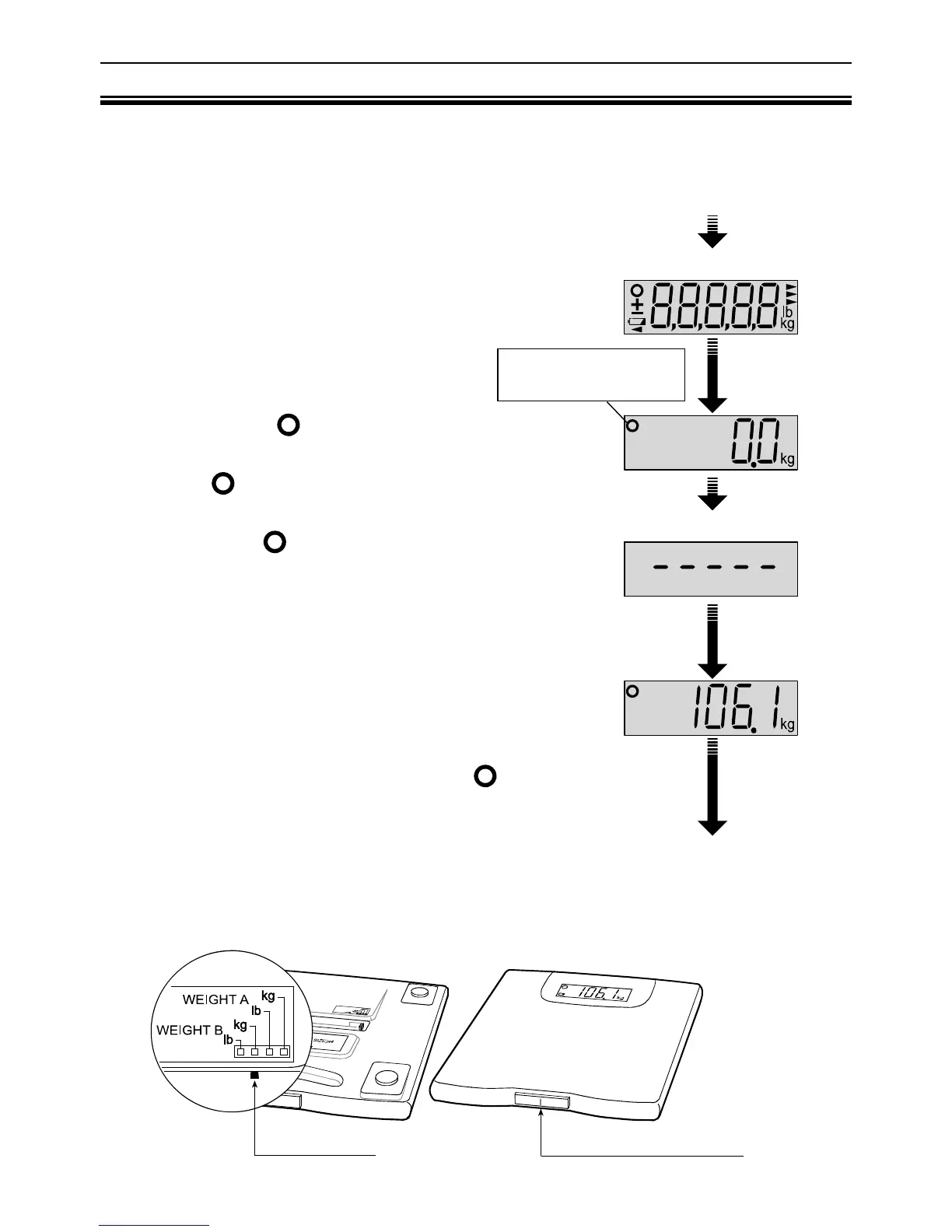
1. Set the slide switch to the correct mode.
Example: Set the slide switch to [WEIGHT B].
2. Press the measurement switch gently.
All display segments are displayed for several
seconds.
3. Wait until the
symbol is displayed.
Wait until “0.0 kg /0.0 lb” and the Ready/Complete
symbol
are displayed.
Note: If “0.0 kg /0.0 lb” and the Ready/Complete
symbol
are displayed about forty-five
seconds, the scale will automatically turn off.
4. Step on the scale gently and stand still
during the measurement.
You will see the display changed to dashes.
Please remain still as much as you can.
5. Your weight is displayed after the
symbol is
displayed.
After about fifteen seconds, the scale will
automatically turn off.
6. Step off the scale.
Set the slide switch
to the correct mode
Press the measurement switch
Step on the scale
Step off the scale
Ready/Complete
symbol
Measurement Switch
Slide Switch


 To Next Page