21
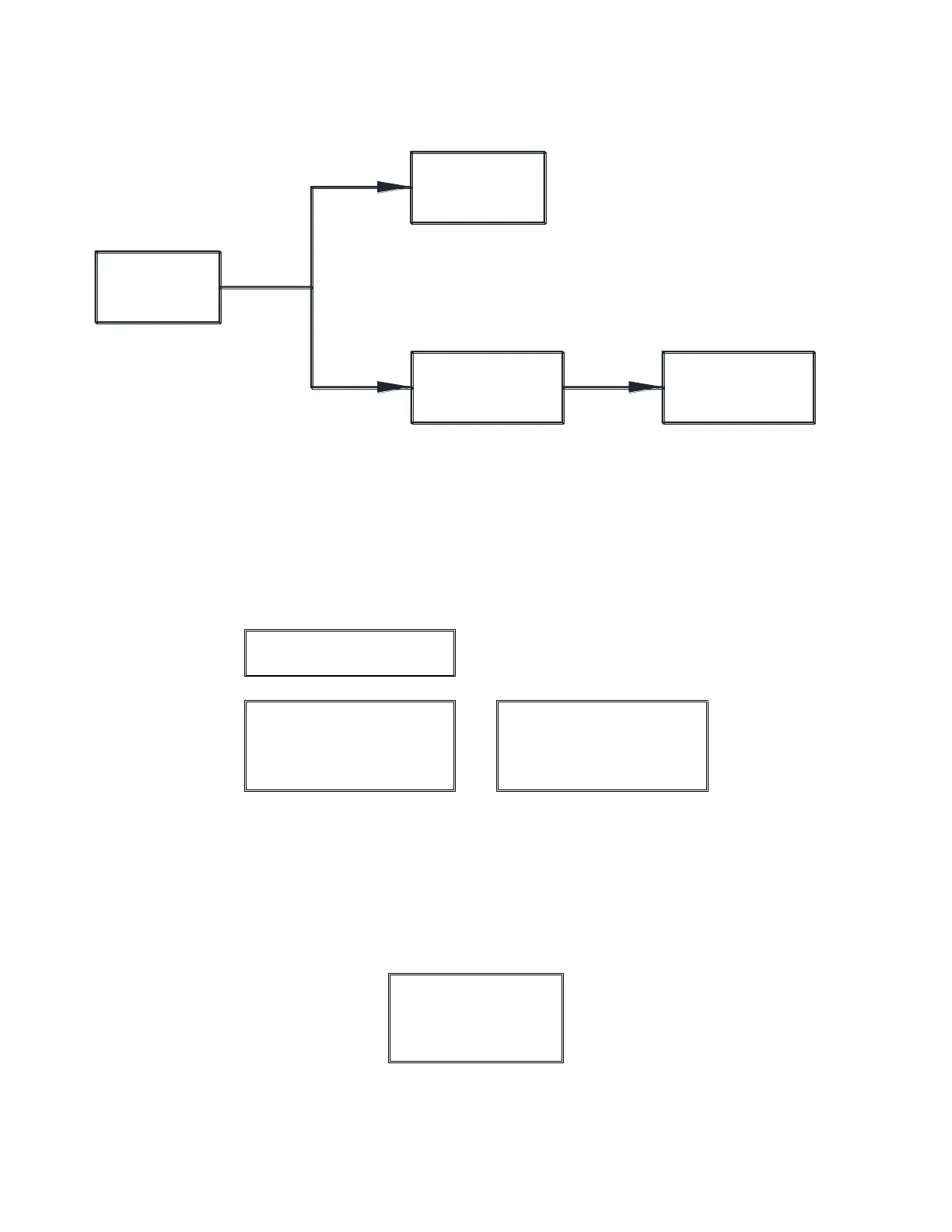
Area Factor
(FT )
(001.000)
Area Factor
(FT )
Accepted
(001.200)
Op Range Outside
Allowable Value.
Reset to Max F.S.
(Press Enter)
Op Range value within
New Min/Max values
Op Range value exceeds
New Min/Max values
Entering a new Area
Factor and pressing
the Enter button will
calculate new Min &
Max Op Range values.
Warning Message
Operating Range
(ACFM)
(6,000 - 12,000)
(12,000)
Pressing the Enter button
will reset the current Op
Range value to the new
calculated Max. F.S value
which will represent 100%
of the process output value.
The Op Range value can be
changed and will represent
100% of the process output
signal (5vdc, 10vdc, or 20mA).
-Area Factor Example-
2
2
6.1.2. Altitude
The Altitude Menu allows the user to enter the specific altitude for the job for the density calculations;
the job specific site Altitude has been preprogramed by the factory.
If the Altitude is changed from the factory setting and the new Altitude causes the existing Operating
Range Value to be outside the new calculated Minimum or Maximum Full Scale Value, the below
Warning Message will appear and the Operating Range will be reset to the new Maximum Full Scale
Value by pressing Enter. The display will automatically jump to the Operating Range Menu allowing
the user to enter a new Operating Range Value. This can be accomplished by performing the steps
under Section 6.2.1. See Altitude Example below.
Warning Message:


 To Next Page