Supplementary features
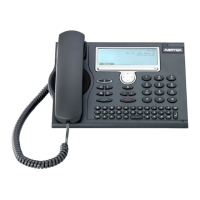
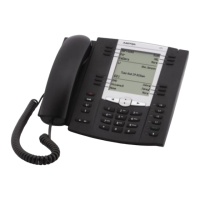
48 Aastra 5370/Aastra 5370ip
eud-1281/1.3 – R3.0 – 04.2013
Transferring a call partner
You want to put your call partner through to someone else.
With the Enquiry function you can connect your call partner with someone else. You
can connect internal and external users with one another.
Parking a call partner
You want to put your call partner on hold without using a phone line as a result.
You can park your call partner locally and take back at each phone assigned to you.
You can also allocate the Park function to a freely configurable key (see chapter "Con-
figuring keys", page 103).
Enquiry
You are making/taking a call
Press the Enquiry Foxkey.
<Phone number>
Enter the phone number of the enquiry call party.
➔Enquiry call party is called; first call partner is on hold.
Note:
You can also search in the phone book, last-number redial list or call list for the
phone number of the person you are looking for.
Connecting with notification:
Wait until the person has answered the call. Announce the call party.
Connect
Put the handset on-hook or press the Connect Foxkey.
➔Your first call partner and the other person are now connected with each
other.
Note:
If the other user does not answer, you can cancel the enquiry call with the End
call softkey and take back the first call.
Connecting without notification:
Wait for the first ringing tone, then hang up.
➔The other party is then called directly by your first call partner.
Note:
Recall: If the other party does not answer, the call comes back to your phone.
Park
Press the Park Foxkey.
➔Your call partner is now parked locally; is displayed.
Put the handset on-hook.
☛


 To Next Page