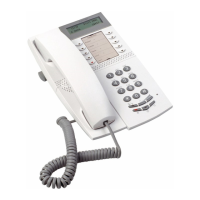
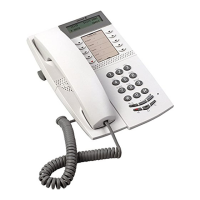
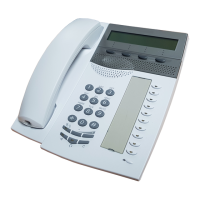
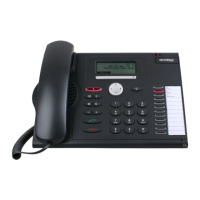
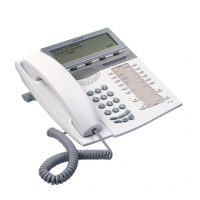
7Dialog 4224 Operator
Important User Information
How this User Guide works
The initial section of the User Guide introduces the equipment and
familiarises you with the layout of the Dialog 4224 Operator.
The main body of the User Guide covers all the operating functions
e.g. answering and extending calls.
The conventions used within this section are:
Actions appear in an alternative bold typeface and the key
diagram appears in the left hand margin opposite the text.
For example:
Ô
Automatic
answer Press.
The systems response is shown with explanatory text and, if
relevant, a display picture.


 To Next Page
 Loading...