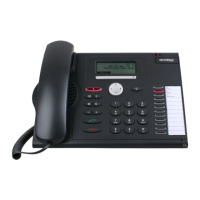
77Dialog 4224 Operator
Outgoing Calls
To an extension in the private network
z Dial the extension number.
The dialed number is shown temporarily, then the display shows
(example):
Ò < Clear Press to terminate the conversation.
The call is disconnected and the terminal is cleared.
Note: If all lines are busy
CONGEST. is shown.
To an extension in your own exchange
Normal call:
z Dial the extension number.
Display example:
Ò < Speech Press.
The terminal rings the extension and
ANSWER is displayed when the
extension answers.
Ò < Clear Press to terminate the conversation.
The call is disconnected and the terminal is cleared.
C= 1 I= 0
TRK OUTGOING <-
206
BOB BURNES
15:25
C= 1 I= 0
EXTENSION FREE
206
BOB BURNES
15:25


 To Next Page
 Loading...