Settings for individual inputs
Gain
Using this function you can set the gain of the selected input.
The gain number shown, is the gain between the input and pre out. The power amp adds 26dBs of gain.
Rin (phono input)
Using this function, you can set the loading resistor on the phono input. The range is 50 ohms to 10
kOhms.
DAC (digital inputs)
You can switch the DAC between four settings. The default setting is “U-S”. The U stands for Upsampling,
and the S for Slow filter. The other settings are N for Non-upsampling and F for Fast filter. Which setting
provides the best performance, depends on the signal source connected to the input.
Settings common to all inputs
Bal - Balance
Using this function, you can change the left/right balance in 6 1dB steps.
Menu functions
Page 7
POM - Pre Out Muting
This setting can be set either on or o. With the default setting (On), the pre out connectors are muted
with the speakers, when muting is enabled. With Pre Out Muting o, the pre out connectors will stay
on, when the amp is muted. This function can be used e.g. for running a headphone amp on the pre out
connectors. With Pre Out Muting o, you can change inputs and volume setting with muting on. When you
switch o muting again, the volume will return to the previous setting.
DBr - Display Brightness
You can change the display brightness in four steps: 10, 40, 70 and 100%
Dim - Display Dimming
Using this setting, you can set the display to switch o automatically after 1-5 seconds. The standard
setting is o. When the display is o, a single dim LED will be lit in the lower right corner.
Tem - Temperature
This menu option shows the current operating temperature of the power amp.
Ver - Software Version
This menu option shows the current firmware version of the amplifier.
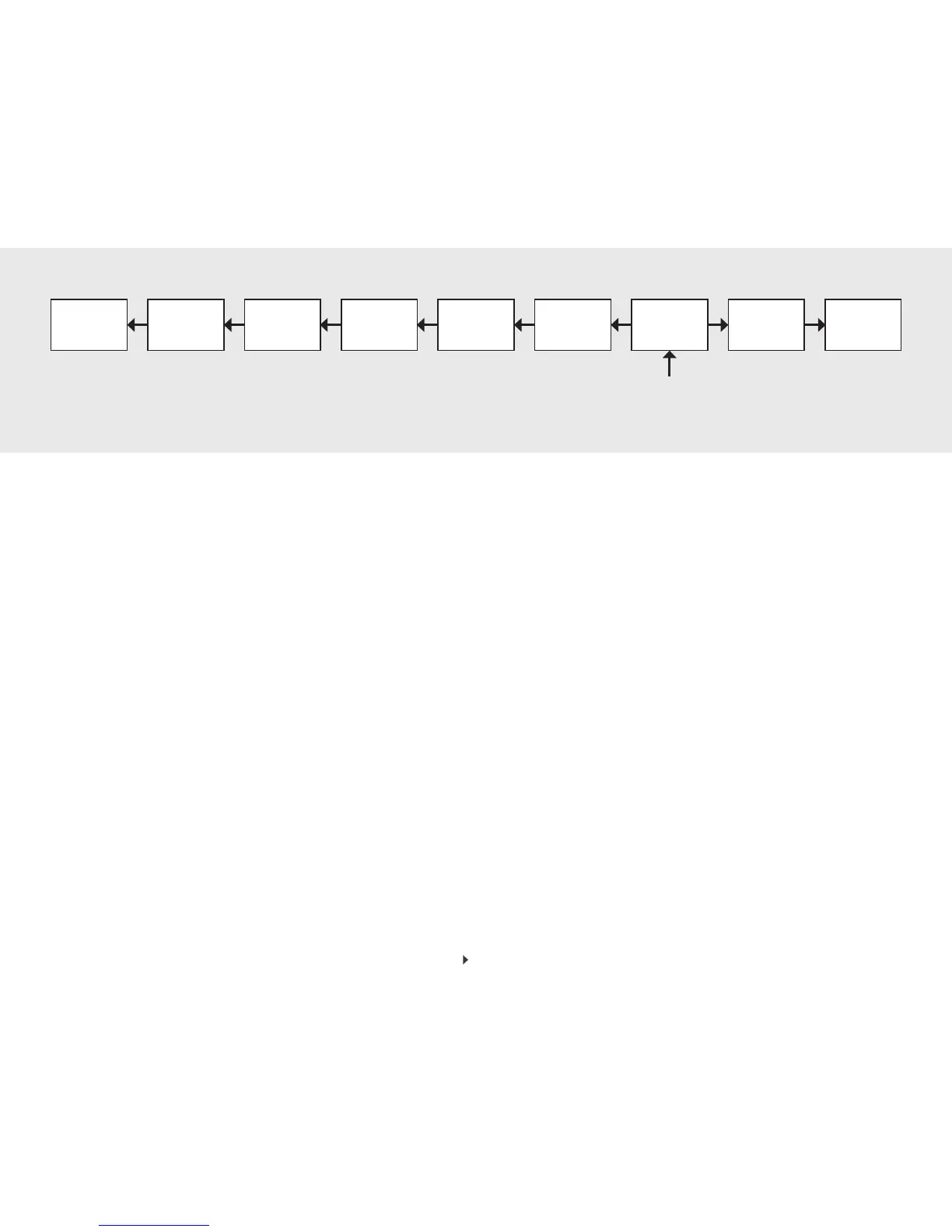
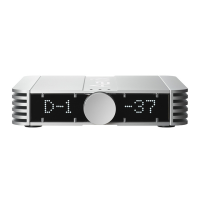
Using the remote control, you can change many settings of the U-150 amplifier. Press the “Menu” button to enter or exit the menu. When you enter the menu, the gain setting of the current input will be shown on the dis-
plays. The left side display shows the current option (“Gain” when you enter the menu), and the right side display shows the current setting. Use the INPUT + (right) and INPUT - (left) buttons to cycle through the options,
and the VOLUME UP and VOLUME DOWN buttons to change the settings. When you navigate right from the entry point (Gain), you get to the options specific to the current input. When you navigate left, you get to the
options that are common to all inputs. Once in the menu, you can cycle through all options in the order shown in the diagram above.
Ver Tem Dim DBr POM Bal Gain Rin DAC


 To Next Page