35
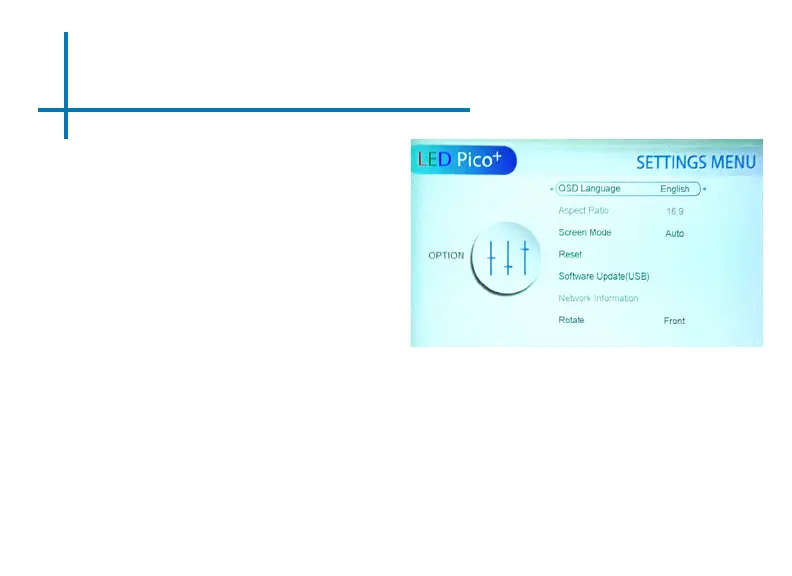
OSD Language
• Adjusts the language.
Aspect Ratio
• Changes the aspect ratio of the
projection image.
Screen Mode
• Sets the screen mode to Auto,
PC or Video.
Reset
• Resets the projector.
Software Update (USB)
• Updates the software of the
projector.
Rotate
• Flips the projected image. Allows for:
rear projection, inverted rear projec-
tion, and inverted front projection.
Option Settings















 To Next Page