13
Video Player Menu
While Playing Videos
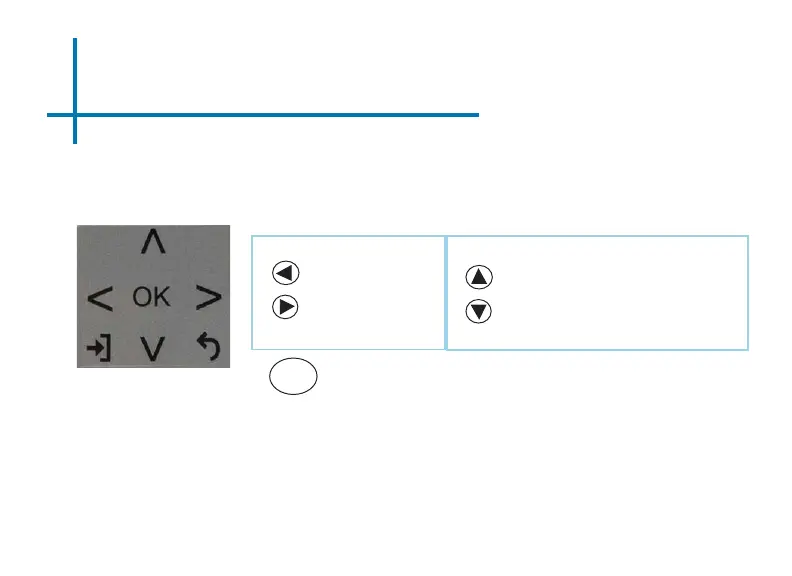
While playing videos, the volume is adjustable. Further controls are available in
the video player submenu - which is accessed through the “OK” button.
*Review Specication section of this manual for supported video formats.
Volume Down
Volume Up
OK
Enter Video Player Submenu
• To open/hide the video playback menu, use the “OK” or
“Down” Buttons on the projector or remote
Positive Keystone Adjustment
Negative Keystone Adjustment
On the remote, the “Up” and “Down” arrow buttons also control the keystone ad-
justment. The volume control on the remote is done through the “Volume Up” and
“Volume Down” buttons only.















 To Next Page