Manual Corrigo Ventilation, revision R Chapter 17 Configuration 81
After choosing AI or DI signal (the unused alternative must be set to not active) there are submenus
with settings. These menus are accessed by pressing RIGHT.
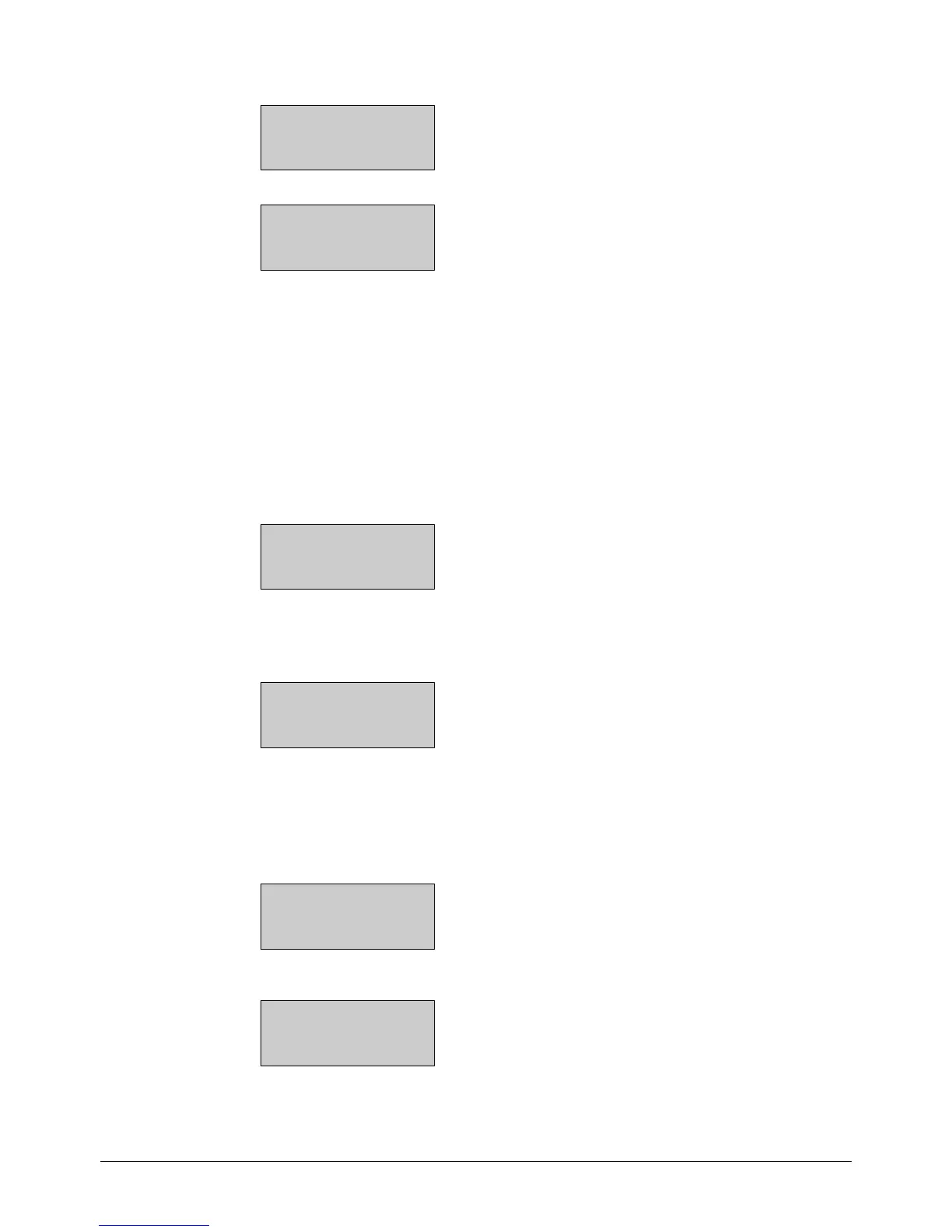
UAI1
Sign: SAF pressure
Raw Value:8.5
Compensation: 0.0
UDI1
NO/NC: NO Signal
Not used
Status: No
To simplify adaptation to external functions, all universal inputs configured as digital inputs can be
set to be either normally open, NO, or normally closed, NC.
The inputs are as standard normally open, i. e. if the input is closed, the function connected to the
input in Corrigo is activated.
Be careful when changing the input from NO to NC since some digital functions can be configured
to either NO or NC themselves. For example, you can choose if the Fire alarm input should be
activated when it is closed or opened. Therefore, there is a risk that the signal is changed twice and
the result is the opposite of the desired.
17.1.4 Analogue outputs
Analogue outputs are 0…10 V DC.
AO1
Sign: Y1-Heating
Auto
Value: 0.0 V
Analogue outputs can be set in run mode "Auto", "Manual" or "Off".
17.1.5 Digital outputs
DO1
Signal: SAF 1/1-speed
Auto
Status: On
Digital outputs can be set in run mode "Auto", "Manual-On" or "Manual-Off".
17.2 Sensor settings
PT1000 setpoint devices can be connected to function as outdoor and room temperature sensors.
Alternatively, 0...10 V transmitters can also be used.
Room temp1
Sensor type: PT1000
If any of the sensors are set to 0...10 V, the sensor can be scaled using the right arrow key on the
controller:
Room temp1
0V = 0°C
10V = 100°C


 To Next Page